How Players Build Custom Redstone RAM and Computers Inside Vanilla Minecraft
Minecraft engineers are combining logic gates, memory cells, and custom signal resistors to build fully working computers inside the base game.
 9Minecraft Team
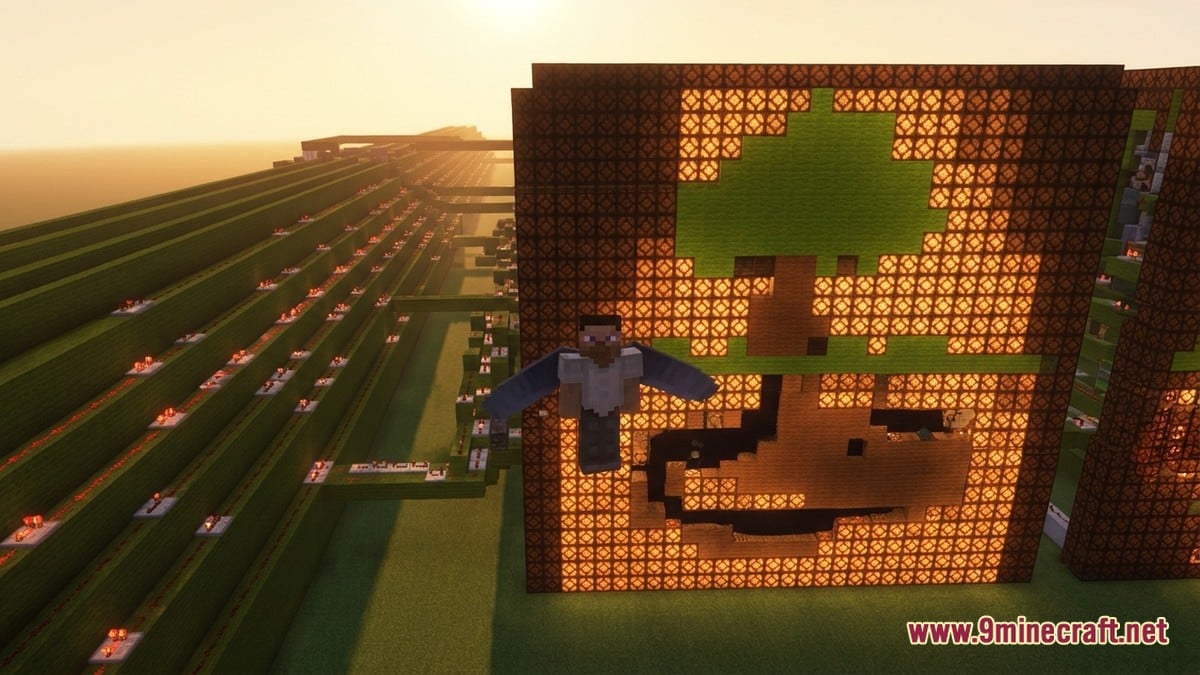
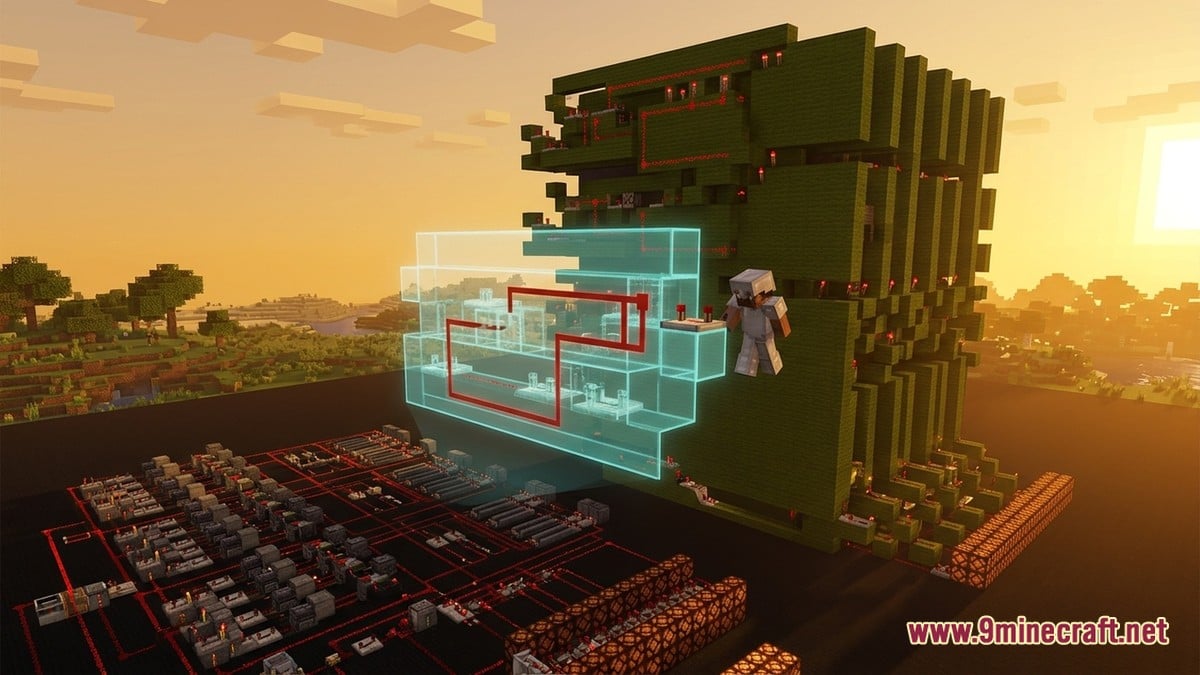
Players have pushed vanilla Minecraft engineering to the point where working computers—complete with custom random-access memory (RAM), processors, and graphics units—can run a playable version of the game inside itself. According to a feature on minecraft.net, builder sammyuri spent several months between school classes constructing a massive central processing unit called the CHUNGUS2, before teaming up with fellow creators Uwerta and StackDoubleFlow to attach enough custom memory and hardware acceleration to render a playable two-colour screen.
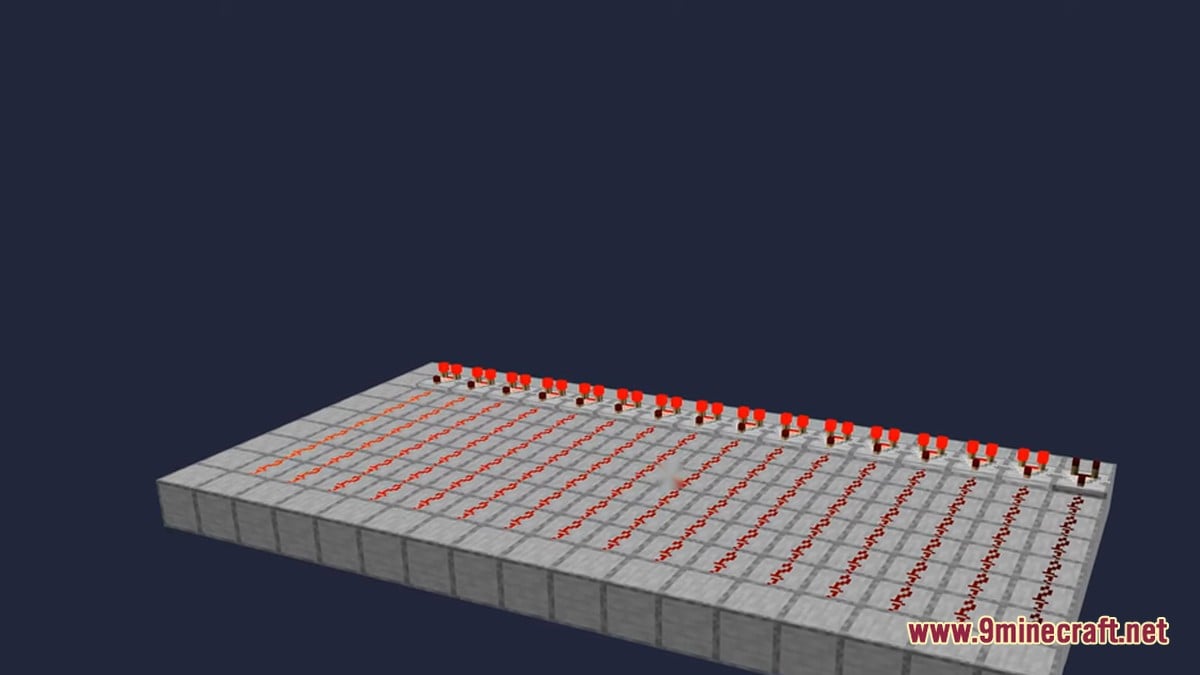
On this virtual display, a player can mine blocks, dig down to bedrock, and craft items. Achieving that inside an unmodded world requires translating real-world electrical engineering—such as memory storage and signal resistance—directly into block logic.
Translating Real-World RAM and Resistors into Blocks
Every redstone computer starts from the same fundamental parts that power simple base contraptions. As Redstone Studio explains, redstone wiring relies on how a signal degrades over distance, how opaque blocks hold power, and how control components measure or refresh that energy. Because redstone dust only carries a charge for 15 blocks before fading completely, the dust itself acts like a resistor, while repeaters, diodes, and comparators act as amplifiers and measurement tools.
 Redstone DustCarries signal 15 blocks; fades with distance like a resistor.
 Redstone RepeaterRefreshes faded signals and locks timing into strict ticks.
 Redstone ComparatorMeasures container fullness and compares signal strengths.
 Redstone LampActs as an individual pixel on a computer's display screen.
To turn those raw signals into working RAM and processors, builders group components into specific circuit families. MineSchematic notes that engineers combine basic NOT, OR, and AND logic gates—which turn one or two inputs into a single yes-or-no output—into larger units like binary adders and arithmetic logic units (ALUs). For RAM, builders rely on memory circuits that latch onto a signal and hold that bit value long after the original input pulse has disappeared, alongside self-driving clock circuits that generate a steady beat to keep the whole machine synchronised.
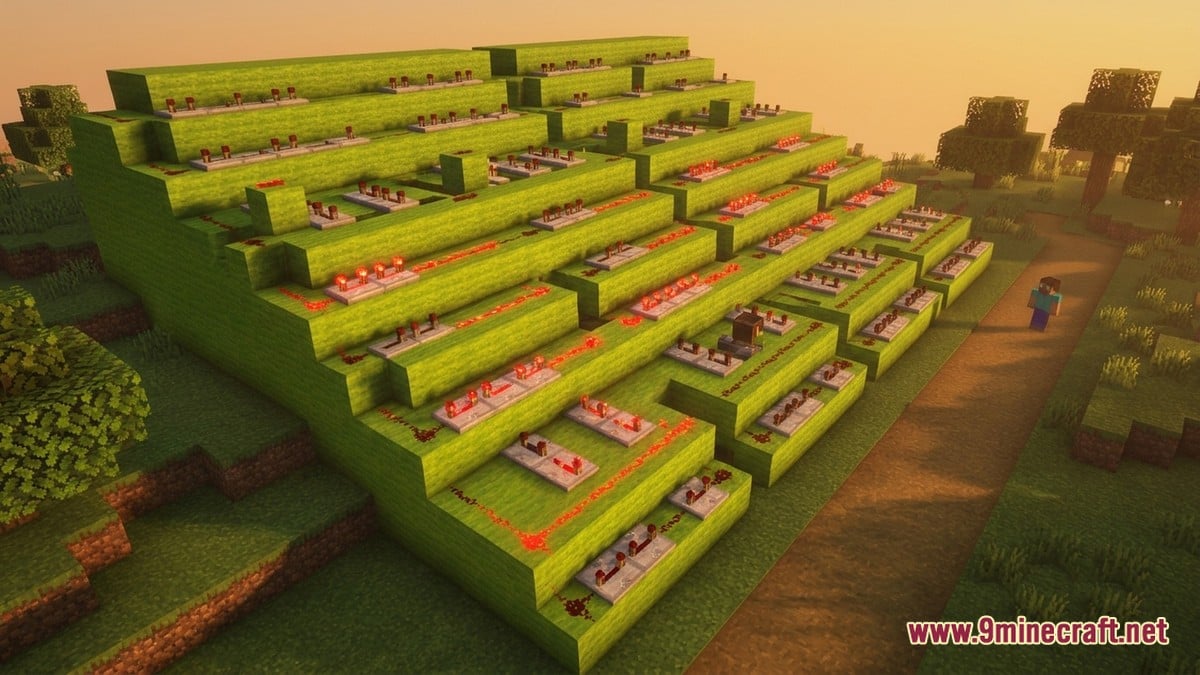
In the CHUNGUS2 project, the builders colour-coded these massive sections, using a huge green structure for the RAM and flanking sections for hardware acceleration. Sammyuri told minecraft.net that nobody had previously attached that much memory or a proper functioning graphics processor to a redstone computer, forcing the trio to adapt real-world memory architecture to Minecraft logic from scratch.
| Computer Part | Minecraft Equivalent | Primary Function |
|---|---|---|
| Resistors & Wiring | Redstone dust & opaque blocks | Carries power up to 15 blocks with natural signal drop-off |
| Amplifiers & Diodes | Repeaters & vertical wiring | Refreshes signal strength and enforces one-way timing |
| CPU / ALU | Logic gates (AND, OR, NOT) & binary adders | Processes binary arithmetic and yes/no logic |
| RAM (Memory) | Latching memory circuits & containers | Holds stored bits after the input signal turns off |
| Monitor / Display | Redstone lamp grids | Lights up pixels in two-colour or full-colour arrangements |
Why Building Circuits in Minecraft Can Beat Real Hardware
While routing thousands of virtual wires is gruelling work, designing circuits inside a block game has surprising advantages over soldering physical electronics. Sammyuri pointed out on minecraft.net that builders never have to worry about power consumption or overheating—provided they do not build their machine in the lava seas of the Nether. Furthermore, unique in-game mechanics like comparators reading container fullness allow engineers to shrink binary adders and make circuits faster and more compact than standard real-world gate layouts.
You can do some funky things with redstone to make circuits smaller, faster, and more efficient without worrying about heat or power draw.
sammyuri, speaking to minecraft.net
The biggest bottleneck in vanilla Minecraft is the game's internal clock speed, as thousands of sequential redstone activations take a long time to resolve. To solve this without altering the circuit logic itself, builders run their creations on StackDoubleFlow’s Minecraft High Performance Redstone Server, a specialised server software that speeds up redstone processing thousands of times, effectively overclocking the virtual PC.
Community Reaction and the Redstone Scene
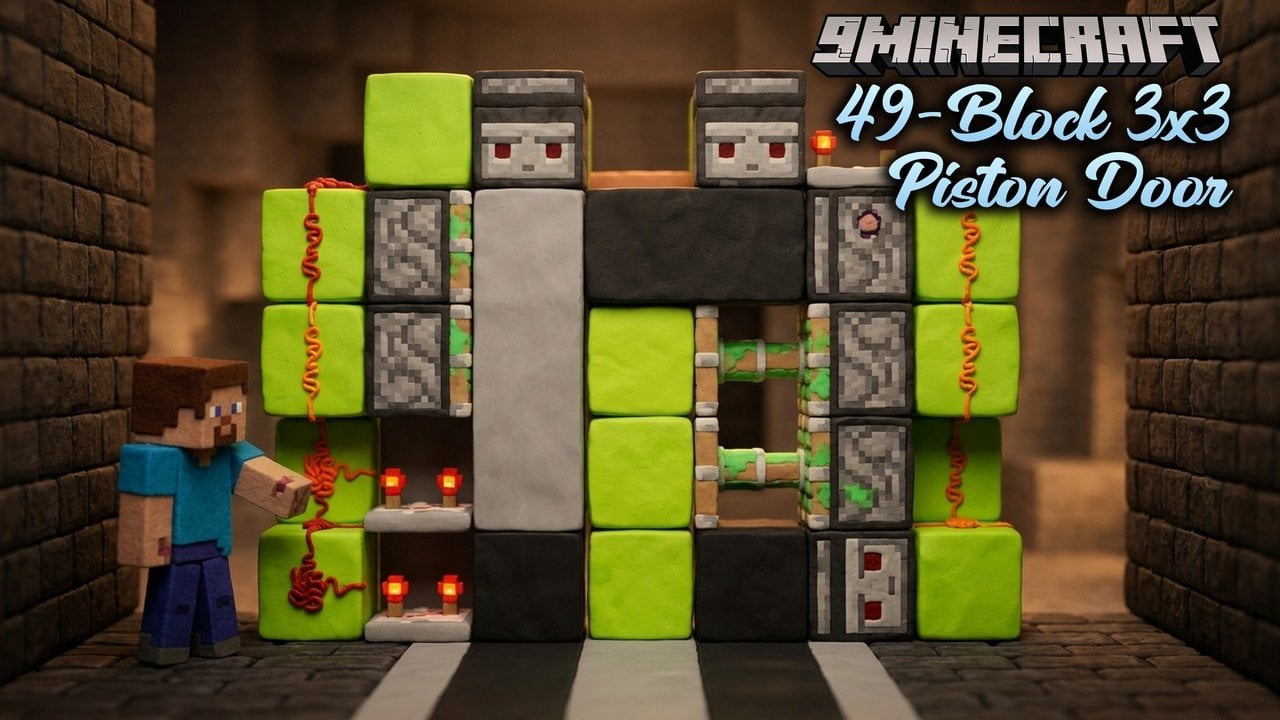
Across YouTube and the wider engineering community, players and creators treat builds like CHUNGUS2 with a mix of awe and disbelief, often joking that redstone engineers are wizards who understand computers better than professional programmers. At the same time, many players admit feeling intimidated by the steep learning curve, noting that even a basic piston door feels complicated compared to a 32-bit computer running Tetris on a colour screen or future plans to run DOOM. Veteran builders frequently remind newcomers that nobody starts by building a CPU; sammyuri himself began in 2013 with piston doors and weaponised slime-block robots, learning the ropes from Mumbo Jumbo’s tutorials, QSmally’s QCPU, and the Open Redstone Engineers group.
What is the most complex redstone contraption you have ever built in Minecraft?
Tap an option to vote
How to Build and Test Redstone Computers Yourself
If you want to experiment with redstone RAM, ALUs, or full computer schematics in your own worlds, you can get Minecraft from our Android, iOS, Windows, patched and Java Edition download pages, which cover Java Edition via the 9Minecraft wiki as well as Bedrock Edition (including Android APK, iOS, Windows GDK, and patched builds). Always back up your existing worlds before pasting large redstone structures, as massive clock circuits can cause severe lag or crashes on lower-end devices.
Because redstone behaves differently between Java Edition and Bedrock Edition, MineSchematic advises checking the exact edition and game version of any circuit design before you place a single block. Because computers are huge and timing-sensitive, you should follow a structured workflow:
- Start with small proof-of-concept builds, such as a single binary adder or a one-bit memory latch, to verify your timing works.
- Plan and test your complete circuit layout thoroughly before scaling up to multi-byte RAM arrays.
- Use Litematica’s layer-by-layer view when building from schematics, and test each module as you finish it so a misplaced piece of dust does not ruin the whole machine.
- Take breaks—such as playing a bit of 1.8 PvP—when a tricky circuit refuses to work, then come back to troubleshoot with fresh eyes.