Minecraft Realms Pro Official Trailer Reveals New Multiplayer Server Tier
Microsoft and Mojang have debuted the official trailer for Minecraft Realms Pro, introducing an upgraded private server tier with expanded host controls.
 9Minecraft Team
Microsoft and Mojang are expanding their official server hosting line-up with Minecraft Realms Pro, a new subscription tier built for smoother group play and broader administrative control. IGN debuted the official trailer for the service, as reported by need24.digital, giving players their first proper look at how the upgraded tier builds upon standard private worlds.
For friend groups who want an always-online world without port forwarding, renting external hardware, or troubleshooting configuration files, Realms has long been the simplest option. Introducing a Pro tier signals a clear push to court more demanding multiplayer communities who want reliable performance alongside bundled cosmetic and world content.
What the Official Realms Pro Trailer Shows
According to need24.digital, the trailer published by IGN frames Realms Pro as a private multiplayer solution focused on collaborative building, group adventures, and streamlined management. The footage highlights improved server responsiveness and extra tools for the person running the world, letting hosts customise game settings and manage their community with minimal friction.
Official documentation on minecraft.net confirms that Realms Pro, much like Realms Plus, includes Marketplace Pass at no extra cost. Subscribers gain access to a rotating catalogue of curated premium add-ons updated every month, spanning custom adventure worlds, mash-up packs, texture overhauls, and character skins. On Bedrock Edition, players can also use the in-game Story Feed to post updates, coordinate upcoming build projects, and share milestones with fellow members.
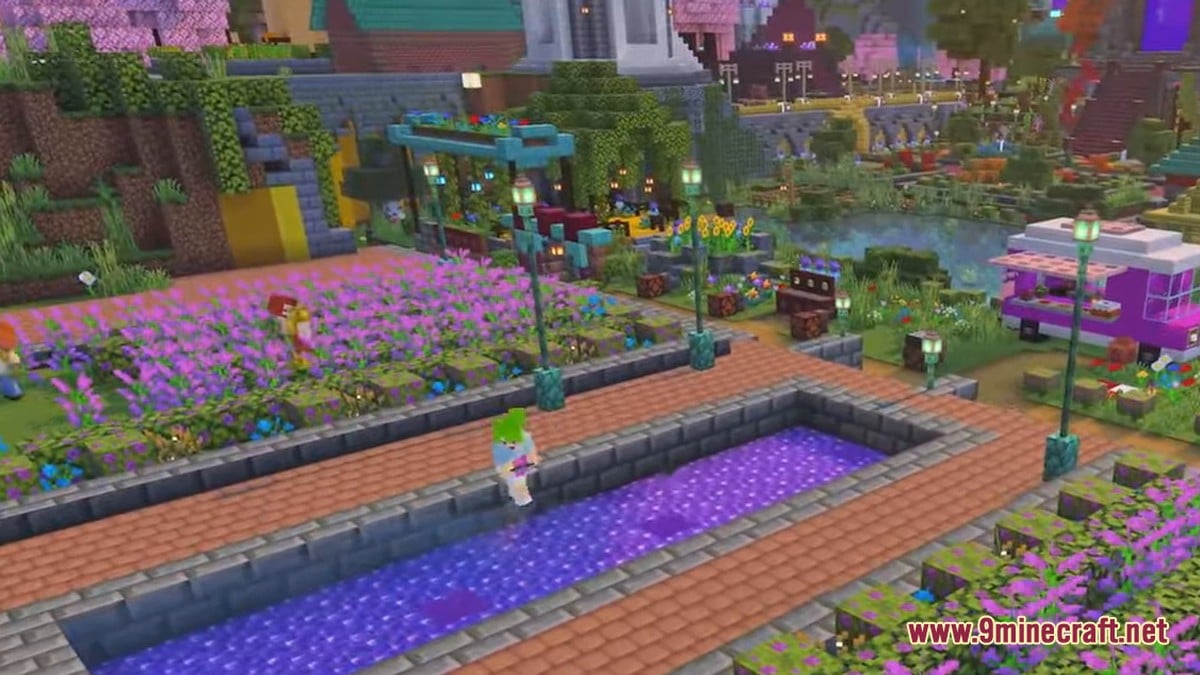
Always-Online Hosting, World Slots and Backups
At its core, a Realm places a player's survival or creative save onto dedicated remote hardware that stays running around the clock. As minecraft.net explains, invited friends can log in whenever they please—even while the server owner is offline—and the system continuously saves progress in the background to guard against world corruption.
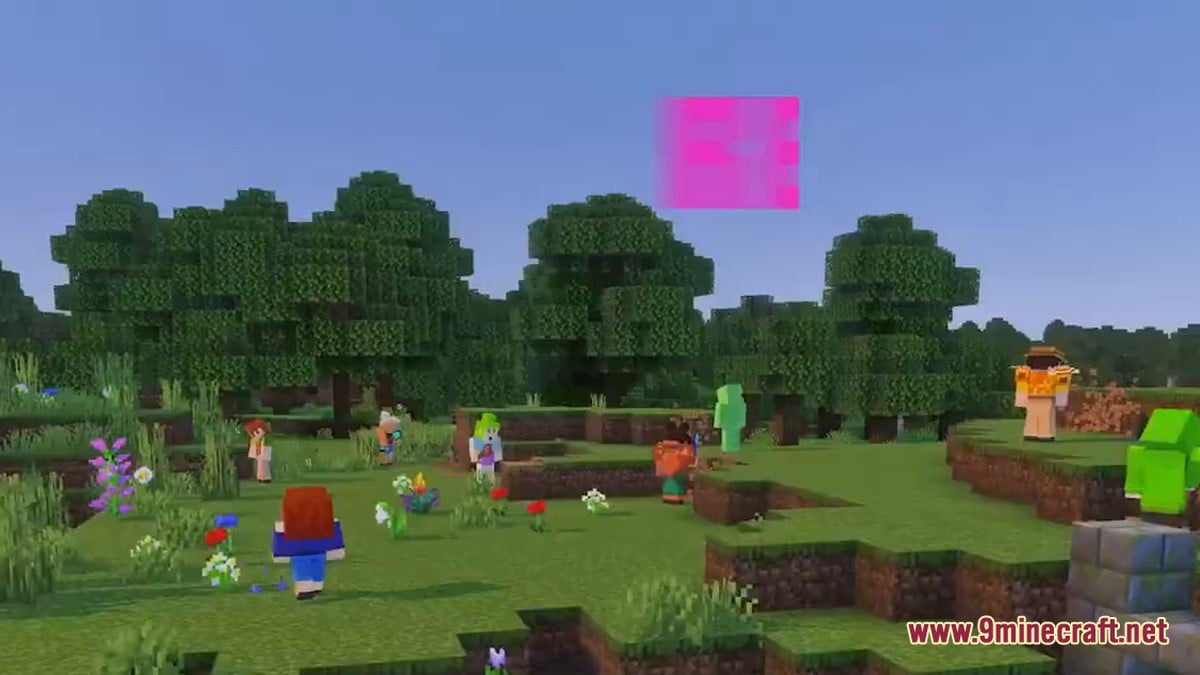
Hosts are not locked into a single map forever. Each subscription allows up to 3 worlds to sit in storage simultaneously, and swapping which of those three is currently live takes only a few clicks—handy for rotating between a long-term survival base, a creative testing flatland, and a monthly Marketplace minigame. If a player decides to cancel, minecraft.net notes that their creations remain safe for 18 months, giving them plenty of time to download local copies or resubscribe and pick up right where they left off.
Inviting Friends and Controlling Access
Privacy remains one of the biggest draws over public servers. Every Realm is strictly invite-only, meaning uninvited strangers cannot wander in and grief builds. Although there is still a cap on how many players can be actively logged into the world at the exact same moment, minecraft.net states that hosts can invite an unlimited total number of friends to their member roster.
| Feature | Realm Host | Invited Member |
|---|---|---|
| Paid Subscription | Required (such as Realms Plus or Realms Pro) | Free to join and play |
| Microsoft Account | Free account required | Free account required |
| Server Availability | 24/7 access plus world slot switching | 24/7 access even when the host is offline |
| Content Perks | Full Marketplace Pass catalogue (Plus and Pro) | Plays custom worlds activated by the host |
- Sign in with a free Microsoft account so your worlds and purchases sync across your devices.
- Activate your Realm and upload an existing save, generate a fresh seed, or pick a template from Marketplace Pass.
- Send direct invites to existing contacts via Gamertag, or generate Invite Links for friends you have not added yet.
- Use the in-game Realms Hub at any time to adjust game rules, swap active world slots, or remove members.
How Players and Creators Are Reacting
Across community discussions following the IGN trailer drop, the reaction is a blend of interest and practical curiosity. Many players welcome Mojang's focus on smoother performance and stronger administrative tools, pointing out that chunk loading slowdowns and entity lag have historically frustrated larger survival groups on standard Realms.
At the same time, veteran server hosts are watching closely to see how Realms Pro justifies its place above Realms Plus. Much of the conversation centres on subscription pricing, simultaneous player limits, render distance allowances, and how much control hosts truly get compared with third-party server providers. For casual cross-device groups and families, however, having plug-and-play setup paired with Marketplace Pass remains a strong selling point.
Getting Ready to Play
To connect to any Realm smoothly, everyone in your group will need to be running a matching, up-to-date build of the game. You can grab the latest version using our Android, iOS, Windows, patched and Java Edition download pages—including Android APK, iOS, Windows GDK, and patched builds for Bedrock Edition, while Java Edition players can find everything they need on the 9Minecraft wiki. Even though Realms backs up saves automatically, it is always smart practice to keep a manual local copy of treasured survival worlds before uploading or switching active slots.
Do my friends have to pay for Realms Pro to join my server?
No. Only the host pays for the subscription. Anyone you invite via Gamertag or an Invite Link can join and play on your Realm for free using a free Microsoft account.
Does Realms Pro include Marketplace Pass?
Yes. According to minecraft.net, Marketplace Pass comes bundled with both Realms Plus and Realms Pro, giving access to monthly curated worlds, texture packs, mash-ups, and skin packs.
What happens to my builds if I cancel my Realm subscription?
Your worlds remain yours. You have 18 months after expiry to download them to your own device, or you can resubscribe within that window to restore your Realm as you left it.
What matters most to you when choosing a Minecraft server tier like Realms Pro?
Tap an option to vote