Minecraft Bedrock Preview 26.70.24 Adds Invisible Armour and Switch 2 Mouse Mode
Minecraft Bedrock Beta and Preview 26.70.24 introduces a toggleable Invisible Armour world setting, Joy-Con Mouse Mode for Switch 2, and key winter drop fixes.
 9Minecraft Team
Mojang has released Minecraft Beta and Preview 26.70.24 for Bedrock Edition on 10 November 2026, delivering a long-requested Invisible Armour option alongside hardware support for the Nintendo Switch 2. As documented by Minecraft Feedback (Mojang), this test build also refines the Drop 4 of 2026 winter content by adjusting Brittle Ice, Ice Balls, and the Frostbite mob while fixing persistent startup and world-generation crashes.
Invisible Armour Setting and How It Works
For years, players who wanted to show off their custom skins in survival mode had to rely on resource packs or risk going without protection. According to the official changelog on Minecraft Feedback (Mojang), Preview 26.70.24 solves this natively with the Invisible Armour world setting, which can be switched on for existing saves or under the Advanced tab when starting a fresh world.
Server administrators and technical players can also toggle the feature using the new "invisibleArmor" game rule command. Once active in a world, players simply click the new eye button inside their inventory screen to hide or reveal their equipped gear.
To keep combat readable and fair, hidden armour does not stay invisible during a fight. Taking damage forces hidden gear to become visible for 5 seconds before fading away again. Additionally, non-standard worn items—specifically Elytra, mob heads, and carved pumpkins—always stay visible regardless of the toggle.
Drop 4 of 2026 Winter Features and Mobs
With the final gameplay additions for the winter drop having arrived in the previous 26.70.23 build—which Minecraft.net writer Jay Wells and The Times of India noted brought the Calcite brick sets and the Flurry music disc by Hyper Potions—version 26.70.24 focuses on balance and parity across the new cold-weather mechanics.
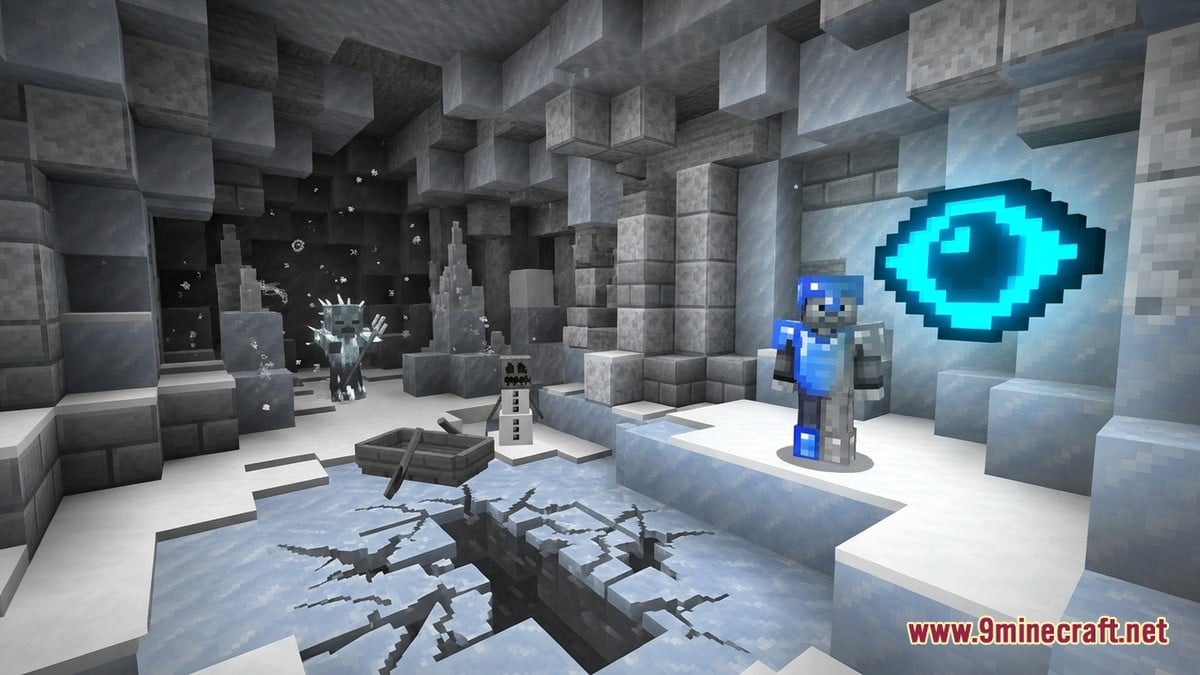
As tracked by MCPEDL in earlier 26.70.20 test notes, Brittle Ice generates over water crevasses in Ice Caves and shatters after three cracks under player or mob weight. In 26.70.24, riding a Boat over Brittle Ice no longer cracks the surface. Meanwhile, Ice Balls thrown by players no longer inflict critical damage, and they now play a proper breaking sound on impact.
 Brittle IceNo longer cracks when a player sits in a Boat on top of it.
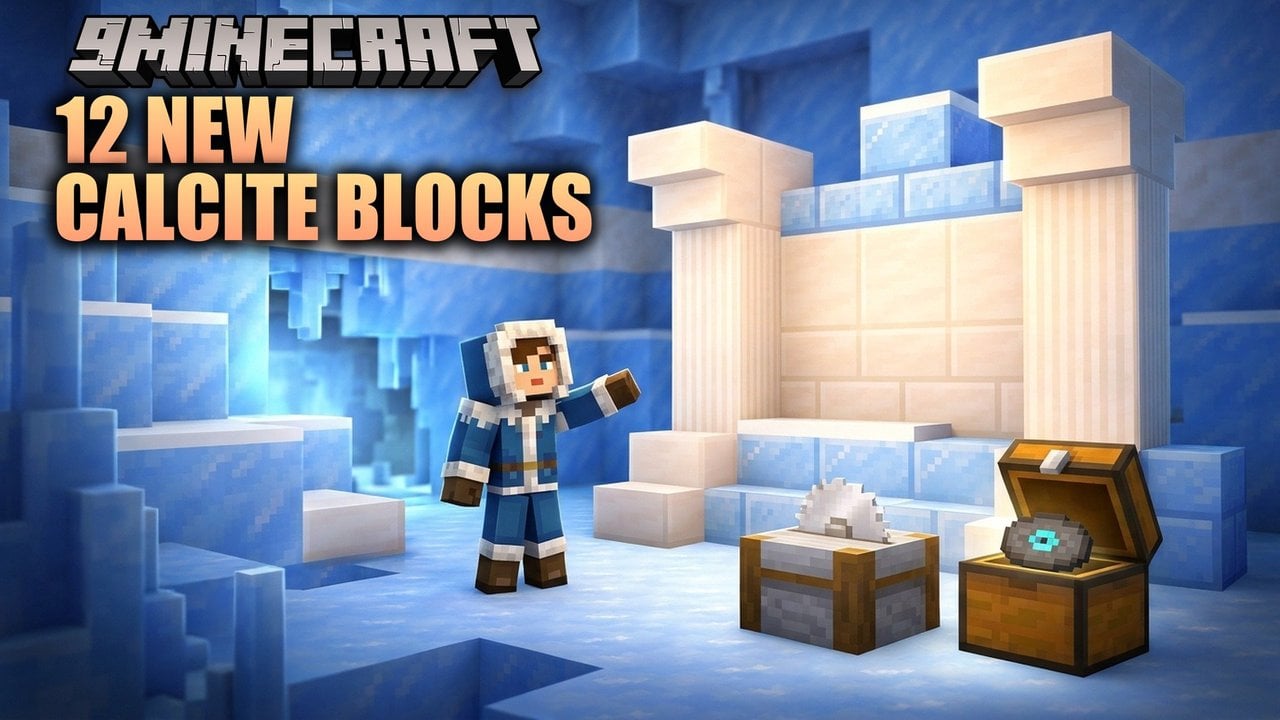
 Calcite BricksReordered after Sulfur in Creative; drops fewer items from non-TNT blasts.
 Packed Ice BricksPlaced after Mud Bricks; leaves now properly occlude adjacent faces.
 Snow BricksAdjusted explosion drop rates and leaf face occlusion.
 Flurry Music DiscTooltip title is now properly capitalised.
 CauldronPlayers can now place blocks against it without sneaking and eat or draw bows while aiming at it.
Combat and mob behaviour in snowy biomes also received a major rule change. Every undead mob is now completely immune to freezing, both from standing in Powder Snow and from the Freezing status effect. For the new Frostbite enemy, Mojang fixed an awkward attack animation when the mob wields a Trident, corrected its projectile closed captions alongside Snow Golems, and rotated Freezing effect particles to match Java Edition.
Several new and existing block families were tidied up in the Creative inventory and survival blast calculations. Calcite, Packed Ice Bricks, Snow Bricks, Shelf Mushrooms, and Red Shrubs now drop fewer items when destroyed by non-TNT explosions (such as Creeper blasts), bringing them in line with standard blocks. Furthermore, Chiseled Soulshale can now be placed via commands and no longer requires a Pickaxe to drop when mined.
Nintendo Switch 2 Mouse Mode, Graphics, and Fixes
On the hardware front, Minecraft Feedback (Mojang) confirmed that Preview 26.70.24 introduces official Joy-Con Mouse Mode support for the Nintendo Switch 2, complete with a dedicated settings page to customise pointer behaviour. The patch also resolves a crash that occurred when completing save data migration from the original Nintendo Switch to the Nintendo Switch 2.
| Category | Target / Feature | Change in 26.70.24 |
|---|---|---|
| Nintendo Switch 2 | Joy-Con & Migration | Added Joy-Con Mouse Mode + settings page; fixed Switch-to-Switch 2 data transfer crash. |
| Android Graphics | Vibrant Visuals | Enabled on more Android hardware, including Mali Ultra GPUs. |
| First-Person View | Maps & Photos | Held with one hand when the offhand is occupied so offhand items stay visible. |
| Block Interaction | Cauldrons | Blocks can be placed against them without sneaking; aiming at one no longer blocks eating or bow charging. |
| Redstone | Repeating Command Blocks | Fixed an extra execution tick when switching from 'Always Active' to 'Needs Redstone'. |
| Structures | Abandoned Camps & Bastions | Fixed missing trees in some Abandoned Camps and a rare Nether crash when generating Bastion Remnants. |
Visual and quality-of-life improvements extend across mobile and PC as well. Vibrant Visuals has been unlocked on a wider range of Android devices, specifically those equipped with Mali Ultra GPUs. In first-person view, holding a Map or photo in the main hand while carrying an item in the offhand now switches to a one-handed grip so your offhand item stays on screen, and a broken Swap Off-hand keybind mapping has been repaired.
Crucial stability fixes round out the release. Windows players will no longer see the game freeze at 73% on the startup loading bar, and split-screen players will continue hearing Music Discs and broadcast sounds even if another local player walks out of range or changes dimensions.
Community Reaction and Creator Feedback
Across community discussions and addon hubs like MCPEDL and changelog trackers like Endgame Tools, players are praising the Invisible Armour toggle as one of the best vanilla quality-of-life additions in recent updates. Survival builders and roleplayers like that it works per-world without disabling achievements, while PvP players appreciate the 5-second damage reveal mechanic, which prevents opponents from hiding their gear tier during an ambush.
At the same time, resource pack creators on MCPEDL have pointed out ongoing headaches with recent 26.60 and 26.70 preview builds. Modders maintaining UI and panorama packs—which let players swap between the new Winter Drop 2026 menu background and the Wilderness Bound panorama—noted that frequent minimum engine version bumps and slider bugs in the settings screen have caused packs to reset or fail to load until updated.
Which change in Minecraft Bedrock Preview 26.70.24 matters most to you?
Tap an option to vote
How to Download Minecraft Bedrock 26.70.24
- Scroll to the download links on this page and select the package for your platform (Android APK, iOS, Windows GDK, or patched builds; Java Edition players can check the 9Minecraft wiki for the parallel 26.4 Snapshot releases).
- Install the 26.70.24 build and launch the game.
- Open Create New World (or edit a backup of an existing world), go to the Advanced settings tab, and switch on Invisible Armour to test the new inventory toggle.