Unofficial Blockintosh 0.6.7 Beta Brings Minecraft Bedrock Ray Tracing to Apple Silicon
The unofficial Blockintosh 0.6.7 Beta launcher brings working ray tracing and MetalFX upscaling to Minecraft Bedrock Edition on M-series Macs without a virtual machine.
 9Minecraft Team
Owners of Apple Silicon Macs can now run Minecraft Bedrock Edition with hardware ray tracing and upscaling enabled, without booting into a Windows virtual machine. As reported by minecraft.pl, version 0.6.7 Beta (build 79.5) of the unofficial Blockintosh launcher — released on 10 November 2026 by developer Marceline (@multision on GitHub) — is the first update to make Bedrock ray tracing and DLSS replacements work directly on macOS through Apple's MetalFX framework.
Until now, official ray tracing in Bedrock required a Windows PC fitted with an NVIDIA GeForce RTX or AMD Radeon RX 6000 series (or newer) graphics card. Because Mojang Studios has never shipped a native macOS build of Bedrock, Mac players previously had to settle for Java Edition shaders like Rockstar Shaders or run Windows through virtualisation, which never delivered full ray-traced performance.
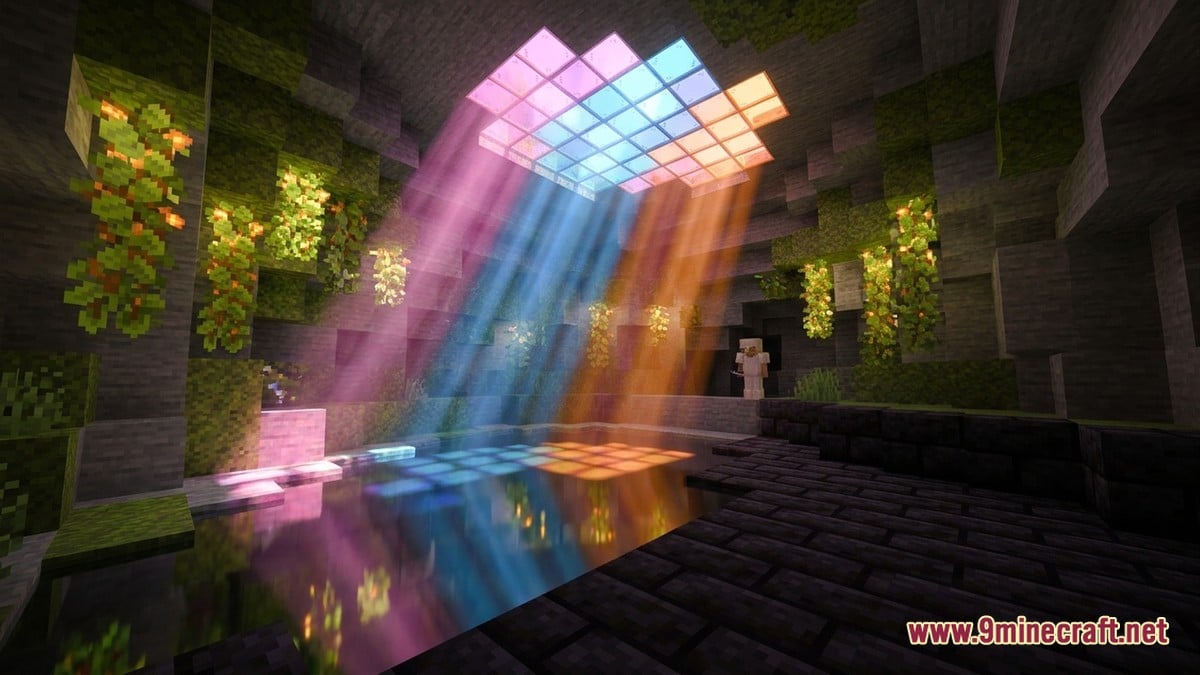
How Mullion, MetalFX and GPTK 4 Power Ray Tracing on Mac
Started in October 2026, Blockintosh executes Windows Bedrock files on M1 through M4 chips without a full virtual machine. According to minecraft.pl, the 0.6.7 Beta overhaul swaps out the DXMT renderer used in Rosetta emulation mode for Mullion, which translates DirectX 12 calls rather than DirectX 11. Both the Mullion and VKD3D renderers now offer three selectable quality tiers: Performance, Balanced, and Quality.
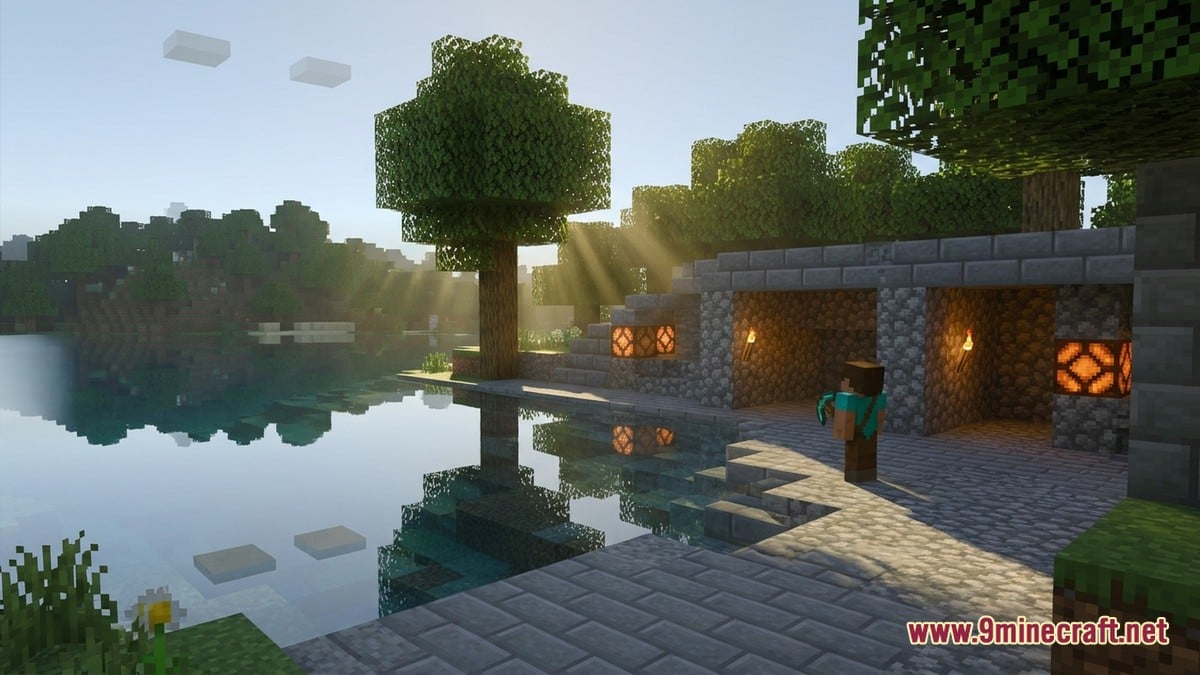
On the launcher's second operating path, built around Apple's Game Porting Toolkit (GPTK 3 and GPTK 4), the update resolves a bug where opening a ray-traced world on GPTK 4 immediately crashed the client. MetalFX now renders the game at a lower internal resolution before scaling the image up to the Mac's native display with optional sharpening, acting as a system-level counterpart to NVIDIA's DLSS. An integrated tool named Arke (version 0.1.0) handles the RTX and MetalFX configuration automatically so players do not need to edit files by hand.
Details from blockintosh.org note that Blockintosh Wine 3.0 merges the Rosetta and experimental FEX environments into a single download with GPTK 3 included. The updatefollows quick-fire November milestones: build 72 first introduced FEX alongside the VKD3D and Mullion renderers, while build 73 tested input-lag reductions. Shared worlds and add-ons now follow your profile when switching runtimes, whilst Release and Preview installations remain separate, and full controller navigation — tested with the PlayStation DualSense across Rosetta and FEX — works right from the launcher menu.
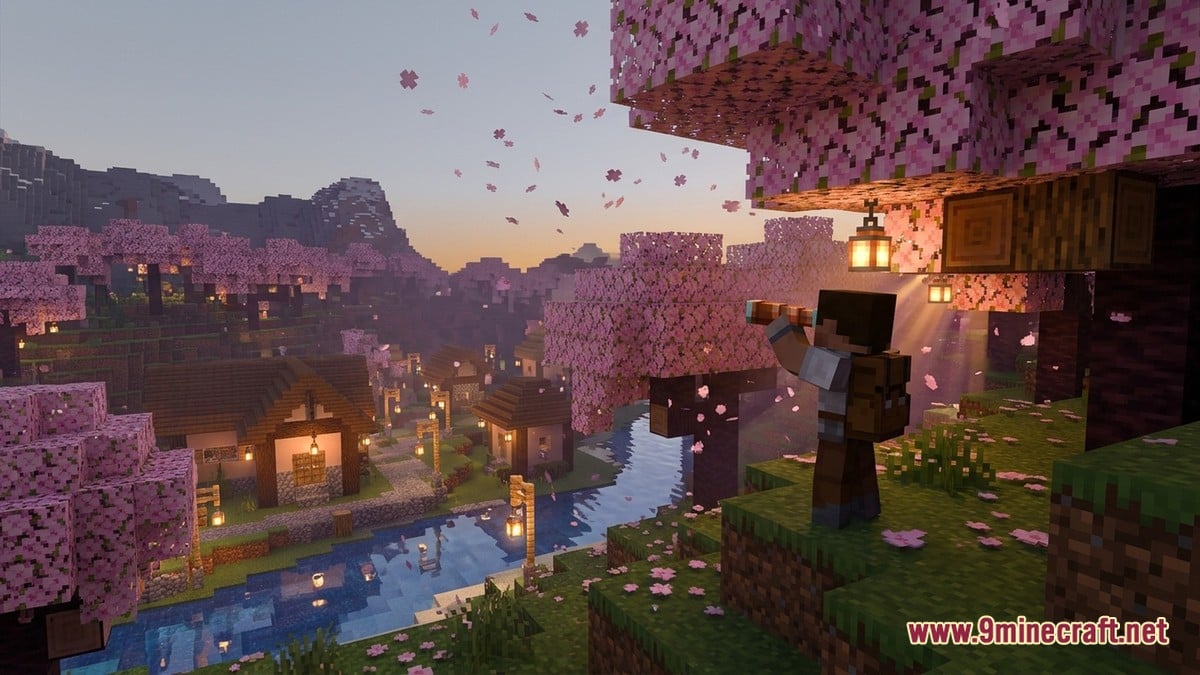
Both minecraft.pl and blockintosh.org highlight the new Enhancements tab, which puts the LeviLamina client mod loader, ready-made BetterRTX presets, and custom RTX texture pack tuning into one menu. Every graphical toggle is non-destructive, leaving the base installation untouched so players can disable features or restore vanilla files without reinstalling.
System requirements depend on the chosen runtime: FEX mode runs on macOS 15.0 or later using the bundled Wine build, whereas Rosetta mode requires macOS 26.4 or newer for GPTK 4 (or macOS 15.4 when using optional GPTK 3). You still need a valid copy of the game to play; you can grab the required Bedrock files (including Windows GDK, Android APK, iOS, or patched builds) or Java Edition from our Android, iOS, Windows, patched and Java Edition download pages, and you should always back up your worlds before testing beta tools.
Open-Source WineGDK Preview: A Separate CrossOver-Free Track
Blockintosh is not the only project tackling Windows Bedrock on Apple hardware. A separate, GPLv3-licensed open-source repository documented on github.com — currently at 0.3.0 source preview 6 — runs the Windows GDK edition on Apple Silicon through a native macOS launcher paired with WineGDK, Wine, DXMT, and Xodus, without needing a CrossOver subscription. The latest preview fixes a content licensing error and adds Store country flags (defaulting to CA, with flags such as "--market US", "--check", and "--setup-only" handled via "Start.command").
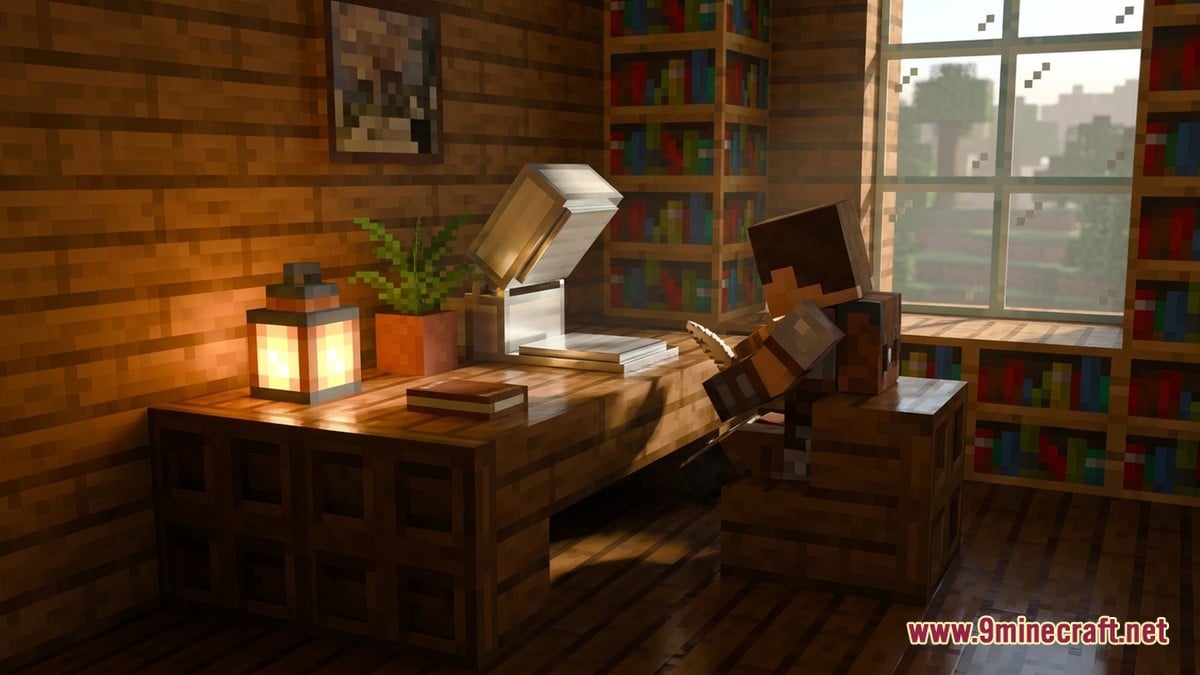
This source-built alternative targets macOS 15.0+ (verified on a 16 GB M1 MacBook Air and audited up to local candidate RC4), compiling Wine and an account helper on first launch, or packaging into a standalone Bedrock for Mac DMG with a manual "Update Minecraft…" option. Its maintainer logged over 10 hours of cross-play with Xbox and PlayStation friends and ran a separate, opt-in Mullion ray-tracing test demonstrating reflections and indirect lighting on an M4 Pro Mac running macOS 15.3.1.
| Method | Edition / Runtime | Graphics & Key Limits | Storage / Network Need |
|---|---|---|---|
| Blockintosh 0.6.7 Beta | Windows Bedrock via Wine 3.0 (Rosetta / FEX / GPTK 3 & 4) | Supports Ray Tracing, MetalFX upscaling, BetterRTX, LeviLamina | macOS 15.0+ (FEX) or 15.4 / 26.4+ (Rosetta) |
| WineGDK Source Preview 0.3.0 | Windows GDK via WineGDK, DXMT & Xodus | Vanilla cross-play; experimental Mullion RT tested on M4 Pro | macOS 15.0+, Apple Command Line Tools & several GB for build |
| Parallels Desktop / VMware Fusion Pro | Windows 11 on ARM Virtual Machine | Official Windows build; GPU passthrough caps FPS; no full RTX | 50–80 GB disk space (Parallels paid, VMware free for personal use) |
| BlueStacks Air | Android Bedrock on Apple Silicon (M1–M4) | Supports Vibrant Visuals and Realms; mouse needs landscape fix | Free emulator; requires Android build (~$7 value) |
| Linux / *NIX Bedrock Launcher | Android Bedrock via macOS compatibility layer | No Vibrant Visuals; stuck on pre-March 2025 builds (OpenGL ES 3.0 limit) | Runs Intel binary via Rosetta on Apple Silicon |
| Xbox Cloud Gaming / Shadow PC | Cloud-streamed Console or Remote Windows PC | Input latency affects PvP; no local resource packs on Xbox Cloud | ~20 Mbps+ stable internet (wired Ethernet recommended) |
How Other Mac Workarounds Stack Up
Guides from macpaw.com, macobserver.com, and pcgaminguniverse.com show why native-style wrappers have drawn so much interest. Apple removed Boot Camp when moving from Intel to Apple Silicon, and also blocked the old Mac Catalyst workaround that once let iOS purchases run on macOS. While pcgaminguniverse.com advises checking the official launcher first for account entitlements and avoiding sketchy third-party downloads to protect your login, most M-series owners have had to choose between heavy virtual machines, Android ports, or cloud streaming.
According to macpaw.com, Parallels Desktop remains the most polished virtual machine option (often discounted by up to 45% to around $50), while VMware Fusion Pro has been free for personal use since late 2024 if you register a Broadcom account. Both run Windows 11 on ARM without requiring immediate Windows activation, though macpaw.com and pcgaminguniverse.com warn that virtual disks quickly balloon from 20 GB to 50–80 GB and lose frame rate to GPU passthrough overhead.
For players using the Android build, macpaw.com points out that the open-source Linux Minecraft Launcher (also called the *NIX Launcher by macobserver.com) stopped receiving updates after March 2025 when Mojang mandated OpenGL ES 3.1, leaving its ES 3.0 Intel binary unable to join current servers. BlueStacks Air runs current Android builds natively on M1–M4 chips with Vibrant Visuals and Realms support — needing only a quick switch from portrait to landscape in the Display toolbar to fix mouse tracking — whereas Xbox Cloud Gaming and Shadow PC trade local storage for a 20 Mbps internet requirement and noticeable input delay.
Community Reaction and Performance Tips
Across Mac gaming forums and community channels, players and creators have welcomed the breakthrough of seeing actual DirectX 12 ray tracing and BetterRTX presets running on Apple Silicon without paying for a virtual machine or giving up 80 GB of SSD space. At the same time, cautious voices remind newcomers that both Blockintosh and the WineGDK preview are unofficial beta projects that can suffer from crashes after game updates, and some players still prefer sticking to native Java Edition with shaders or Parallels until FEX and GPTK 4 support matures further.
How do you prefer to play Minecraft on an Apple Silicon Mac?
Tap an option to vote