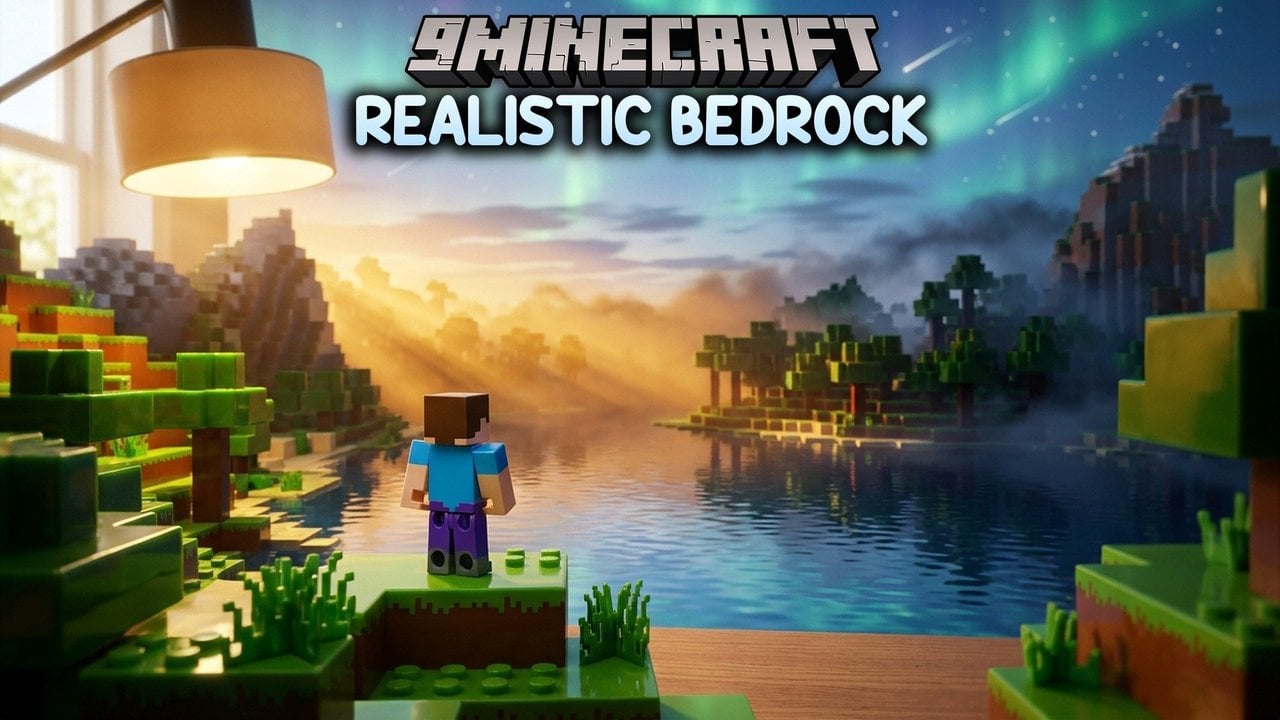
Realistic Minecraft Bedrock Add-Ons: Dynamic Lights, Item Physics and Body Actions
Two outlets have rounded up the realism add-ons Bedrock players are installing, from handheld torch light to grounded loot, and tested what phones can handle.
 9Minecraft Team
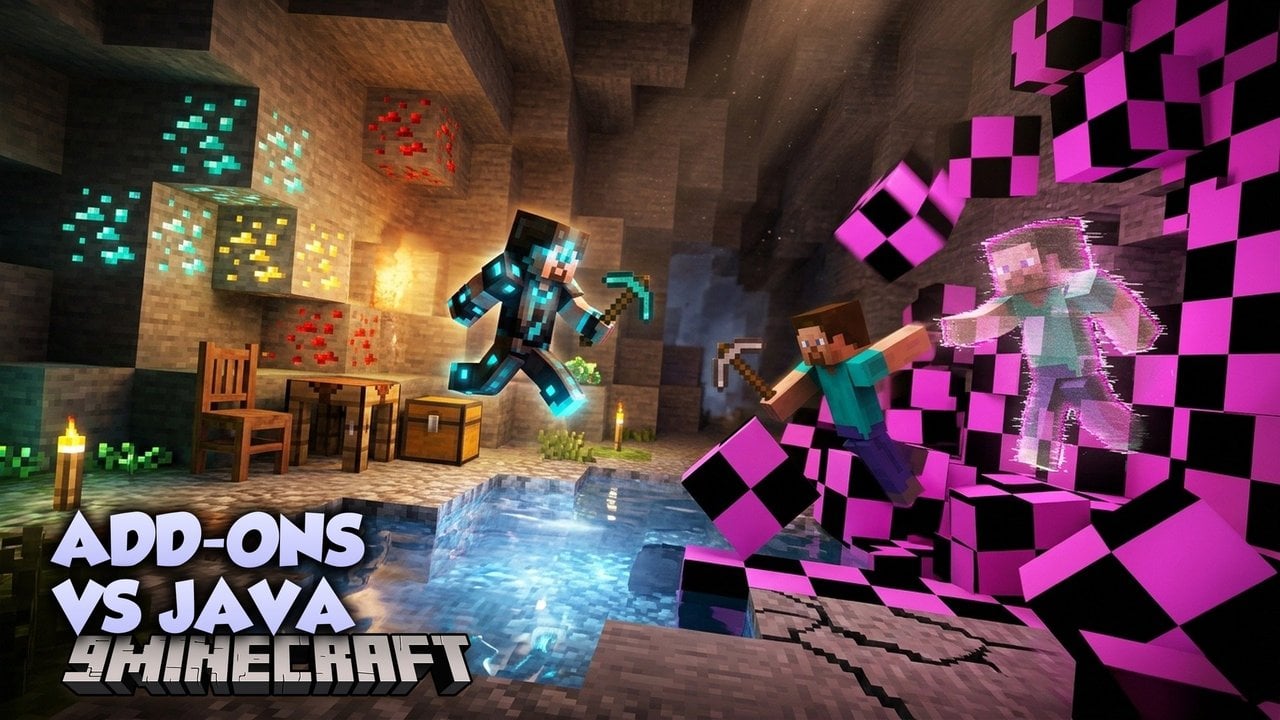
You no longer need Java Edition and a pile of mods to make Minecraft look and feel more lifelike. A new wave of Bedrock add-ons adds torch light that travels with you, loot that rests on the ground, characters that sit and crawl, and skies full of fireflies and meteor showers. Most of them do this without touching the survival loop you already know.
blog.curseforge.com has ranked ten of the most downloaded visual add-ons. mods4minecraft.com spent about four hours stress-testing realism packs on a phone-class device. Taken together, the two pieces show what is worth installing and how far your hardware can be pushed.
Light that travels with you
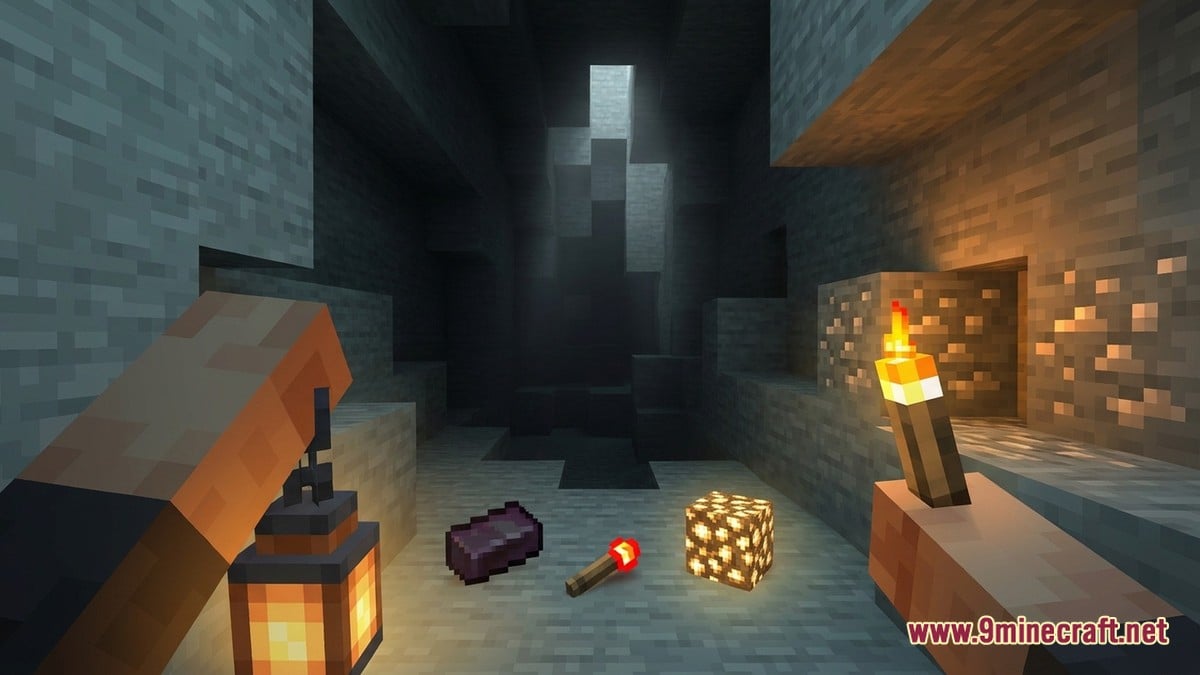
The most practical upgrade is dynamic lighting. According to blog.curseforge.com, System Dynamic Light makes torches, lanterns, glowstone and other supported items glow from your main hand or offhand. Dropped light sources, mobs on fire, naturally glowing mobs and lantern helmets can also give off light. A configuration book lets you choose which features run, which dimensions they work in, and how many dropped items may glow at once.
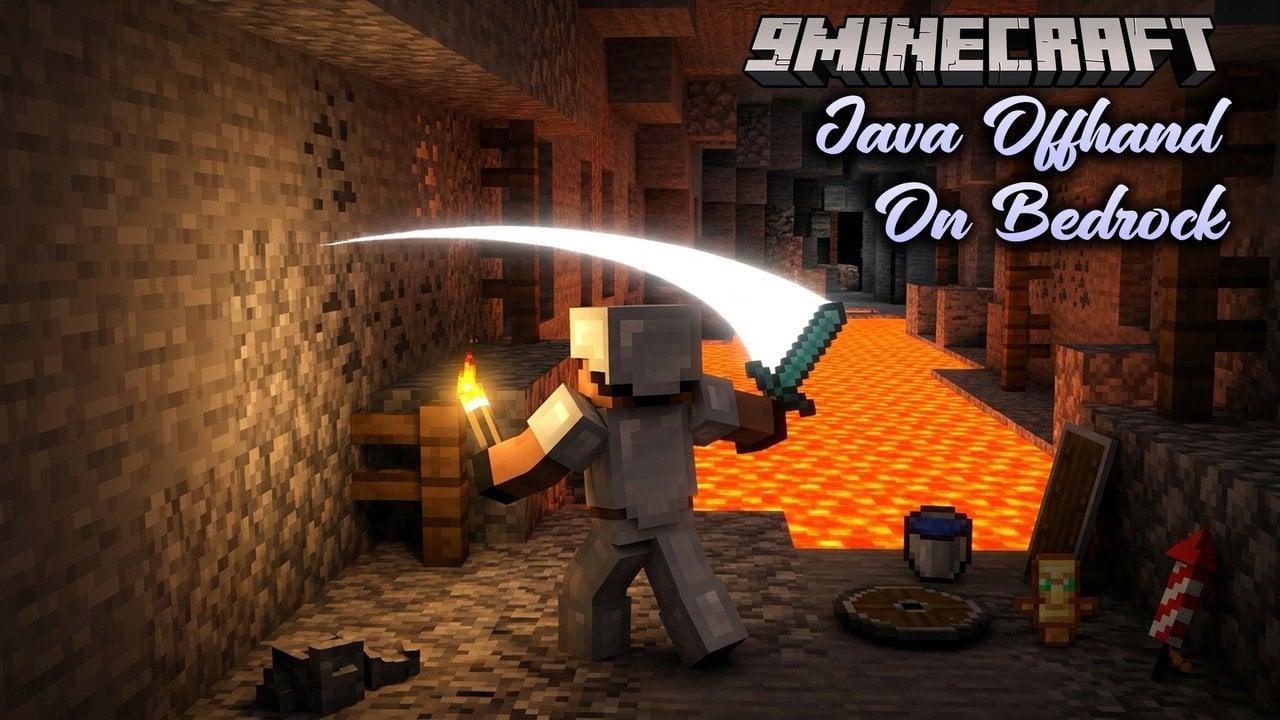
Raiyon's Dynamic Lightning varies the brightness depending on the item you hold. You can push a torch into your offhand by right-clicking, or by holding the screen on touch devices, or you can wear a mining helmet to keep both hands free. It also adds 16 coloured torches and a Sea Torch that works underwater. With Vibrant Visuals switched on, lights take on their own colour, so a Redstone Torch glows red. Players running Actions & Stuff should enable its resource pack and the optional compatibility pack so the coloured torches display properly.
 TorchLights caves from your hand with either dynamic light add-on
 LanternSupported handheld light source
 GlowstoneGlows when carried in System Dynamic Light
 Redstone TorchCasts red light under Vibrant Visuals in Raiyon's pack
 Nether StarNever despawns with Raiyon's Item Physics
 Netherite IngotStill survives lava with item physics on
Characters that move like people
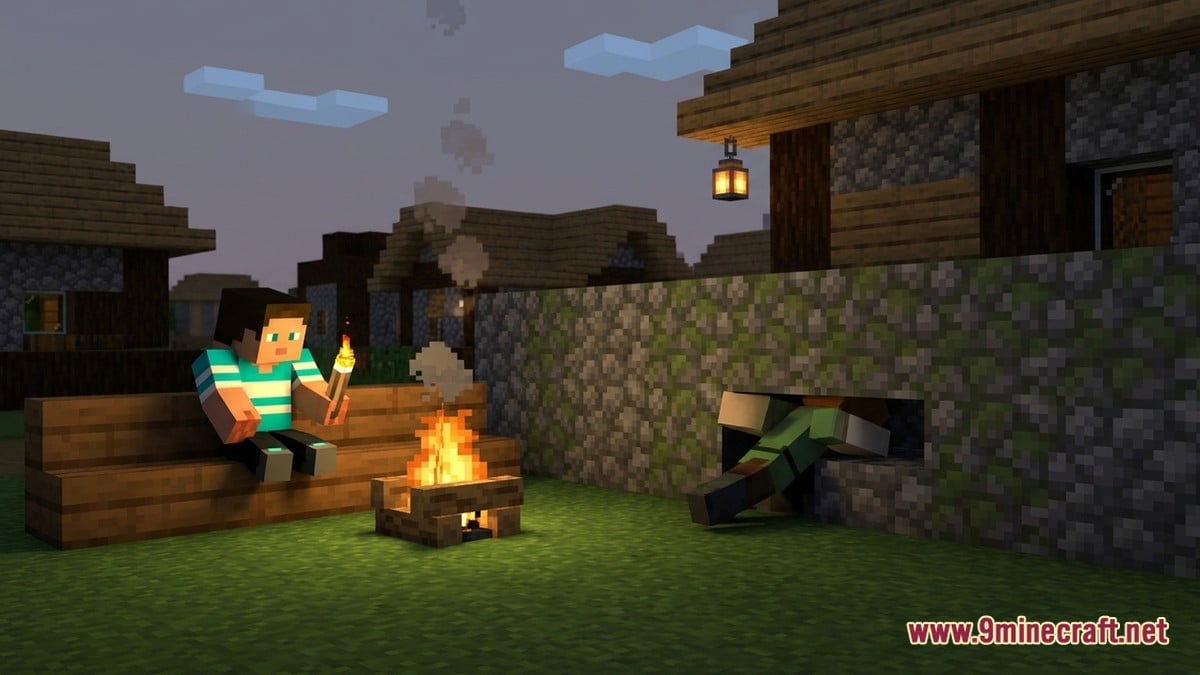
More Body Actions! lets your character sit by a campfire or on stairs, lie down anywhere with enough room, and crawl through gaps one block high. With empty hands you can grab the top of a low wall, shuffle sideways and haul yourself up. The first-person camera drops to match each pose. blog.curseforge.com adds that the pack works in multiplayer, supports Dressing Room characters and remembers your pose when you rejoin a world.
Relic Player Animations V2.0 focuses on movement. Running gains fuller body motion, jumps tuck the legs, swimming becomes a breaststroke, and holding a sword, axe, shield or bow changes your stance. Friends can see the animations in multiplayer, and its creator says it runs well on modest hardware.
Loot you can actually find
Holograms on dropped items! puts a floating label showing the item's name and stack size over each drop. A visibility check stops labels from showing through walls or thick grass. You can show labels for every nearby drop or only the item under your crosshair, and you can adjust colour, font size, range and format.
Raiyon's Item Physics makes drops lie flat on the ground instead of spinning in mid-air. You collect them by hitting or interacting with them, and sneaking sweeps up nearby items. Vanilla rules still apply: netherite survives lava, floating items rise in water, and most drops vanish after five minutes. Named items and Nether stars stay put, and achievements remain unlocked.
Water, sky and atmosphere
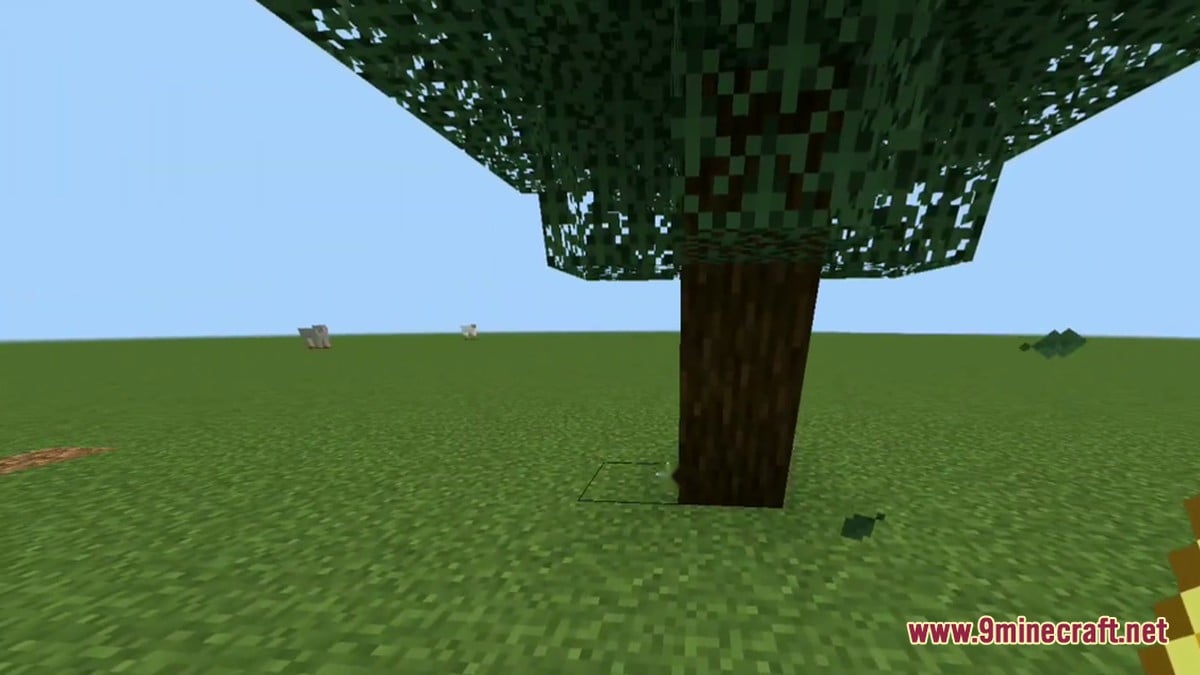
Lunac Shaders 3.0 adds clearer water with rolling waves and biome-tinted colours, along with reflections, softer shadows and a sky that shifts by biome and time of day. It aims for an RTX-style look without an RTX card, but it still needs a device capable of running Vibrant Visuals. Clear Water Texture Pack is a lighter option. Its Simple/Fancy version offers vanilla blue, emerald green or an RTX-inspired bright blue, and its Vibrant Visuals version adds waves and can run alongside another shader.
Java Aspects brings Java Edition's water, skies, foliage colours, explosion particles, animations, sounds and menus to Bedrock. Its Compatibility Mode hands textures over to another pack while keeping the rest of its changes.
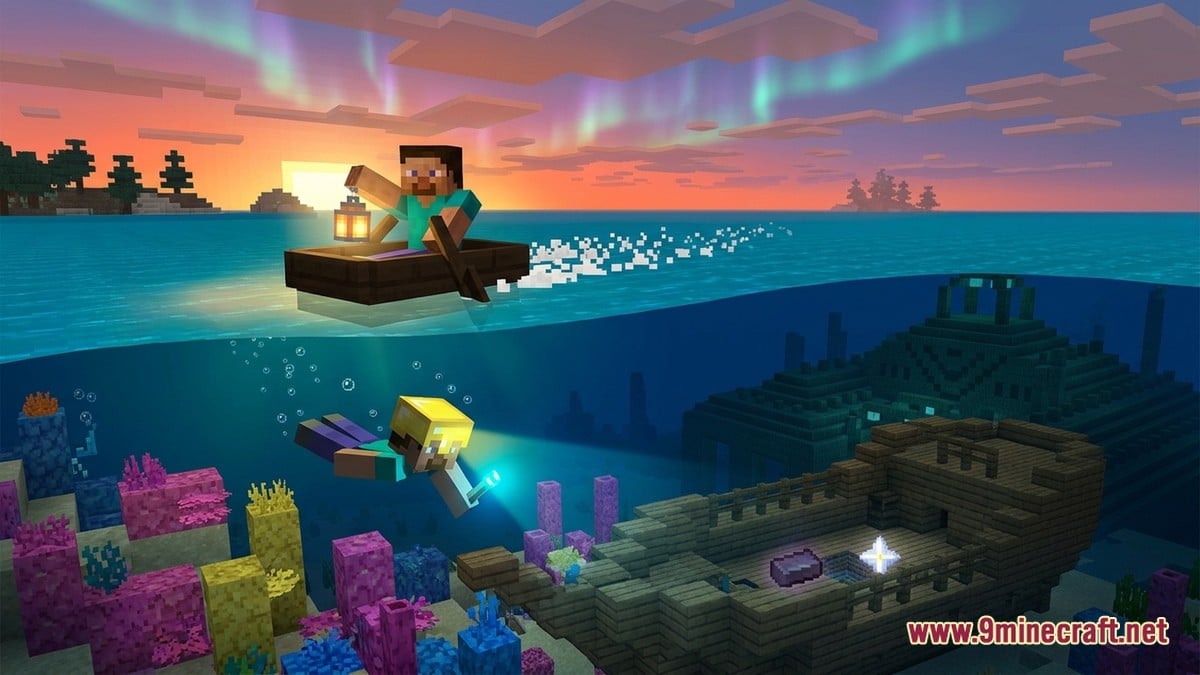
VFXCore fills empty landscapes with butterflies, fireflies, seasonal birdsong, fallen petals, pebbles, auroras, meteor showers, rainbows, blizzards and sandstorms. Boats leave wakes, and running players kick up dust or leave footprints. Every effect can be switched off from a settings book. mods4minecraft.com also points to wider categories worth exploring: mob animations such as grazing animals and spiders that move leg by leg, block-breaking debris, drifting campfire smoke, and snow that builds up on flat surfaces in cold biomes.
Will your device cope?
mods4minecraft.com tested on an iPad Air 5 running Bedrock 1.21.40. Most shader combinations dropped its frame rate from 60 to 38–42 FPS in detailed areas. Some animation packs had almost no impact, while others stuttered whenever mobs spawned. The outlet says its list reflects what survived testing rather than what looks best in a trailer.
Based on those results, the outlet suggests matching your add-on load to your device's memory. Its recommendations are set out below.
| Device | RAM | Suggested load |
|---|---|---|
| Budget phone | 2–3 GB | Lightweight shader only; skip physics and heavy animations |
| Mid-range phone | 4–6 GB | Medium shader + player animations; add physics if above 30 FPS |
| Tablet / newer phone | 6+ GB | Heavy shader + full animations + physics at 10 chunks |
| Windows PC | — | Everything, including sound packs, at 16+ chunks |
The same outlet says medium shaders need devices from 2021 or later with at least 3 GB of RAM. Heavy ray-traced-style packs want 4 GB or more. If performance suffers, it recommends dropping render distance to 6–8 chunks.
What players and testers are saying
No creator videos or comment threads were available for this round-up, so this section draws on what the two outlets report. The overall mood is enthusiastic but measured. blog.curseforge.com's list is ordered by community downloads, which suggests players care most about practical changes such as handheld light and readable loot, not only about looks.
The realism packs worth keeping are the ones that hold up under testing, not the ones that look best in a showcase.
mods4minecraft.com, paraphrased
The main criticism is performance. Frame drops close to 20 FPS on a capable tablet are a real cost for mobile players. Stuttering from some animation packs shows that stacking many add-ons can backfire, especially on budget phones.
How to install
You can get each add-on from our Android download page. Download the .mcaddon file and open it, and Minecraft will import the pack.
- Open the downloaded .mcaddon file and wait for Minecraft to finish the import.
- Edit your world and open Behavior Packs, then Available, and activate the add-on.
- Do the same under Resource Packs, then Available.
- If the add-on lists an experiment under its requirements, switch it on before loading the world.
Do these add-ons disable achievements?
Not always. blog.curseforge.com says Raiyon's Item Physics and VFXCore both keep achievements available.
Are shader add-ons the same as RTX?
No. mods4minecraft.com explains that RTX is an Nvidia feature for Windows PCs with RTX cards, while shader add-ons imitate similar effects on more devices with less photorealism.
How do I remove a shader?
Deactivate it under Settings > Global Resources. Visuals return to vanilla and no world data is lost.
Which realism add-on would you install first?
Tap an option to vote