Minecraft Bedrock Add-Ons Bring Java Off-Hand Utility and Combat Mechanics
Updated community add-ons for Minecraft Bedrock 1.21+ introduce functional off-hand item use, quick-swapping, and Java-style combat mechanics.
 9Minecraft Team
One of the longest-standing differences between Minecraft's two editions is how the left hand works. While Java Edition players can hold and activate almost any tool, block, or food item in their off-hand alongside timed weapon strikes, Minecraft Bedrock restricts the secondary slot mostly to shields and passive items. A wave of recently updated community add-ons is closing that parity gap for modern Bedrock versions (1.21 through 26.x), bringing both Functional Offhand utility and full Java Combat mechanics to mobile, console, and Windows players.
Unlocking the Left Hand with the Functional Offhand Add-On
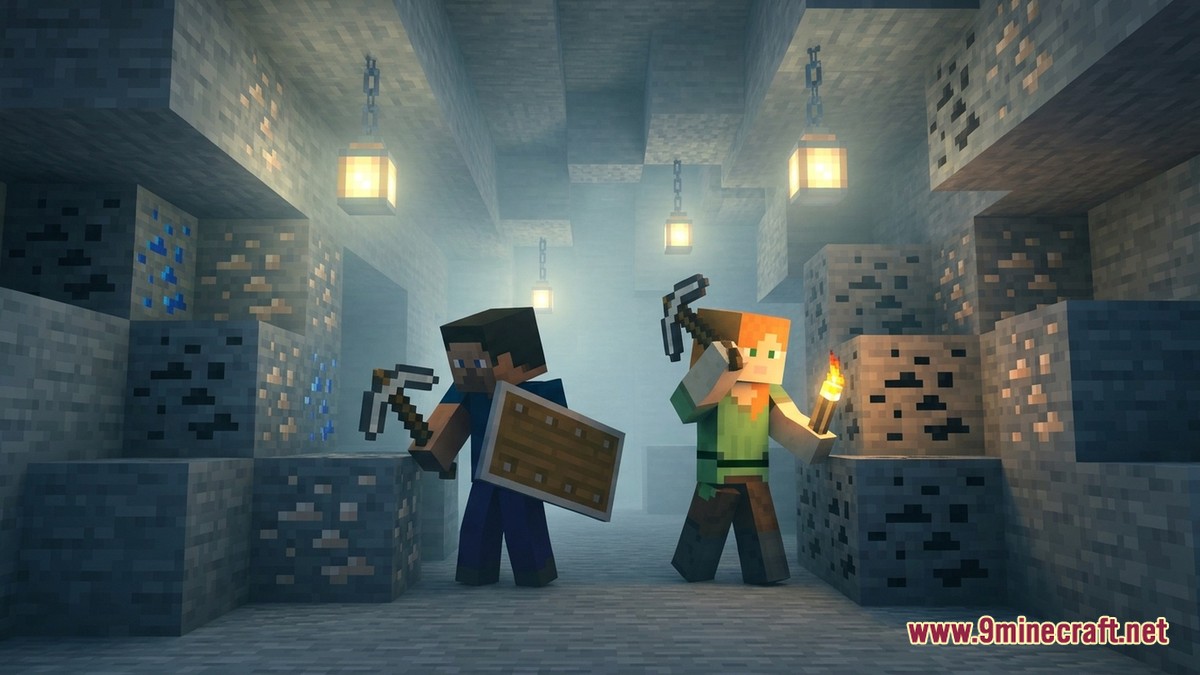
In vanilla Minecraft Bedrock, the off-hand slot is notoriously rigid. Players can equip a Shield or a Totem of Undying, and while a handful of items like maps or arrows can sit in the slot, they cannot be actively triggered. As noted by fmcpe.org, the Functional Offhand add-on overhauls this behaviour so the secondary hand works almost identically to Java Edition.
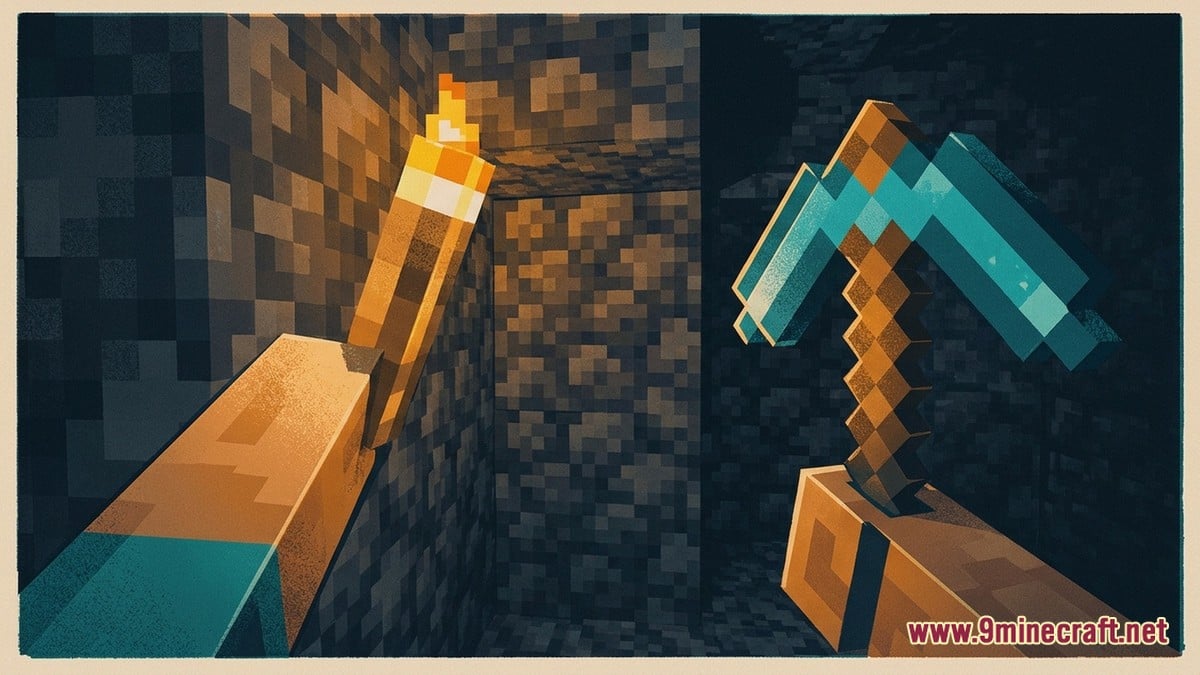
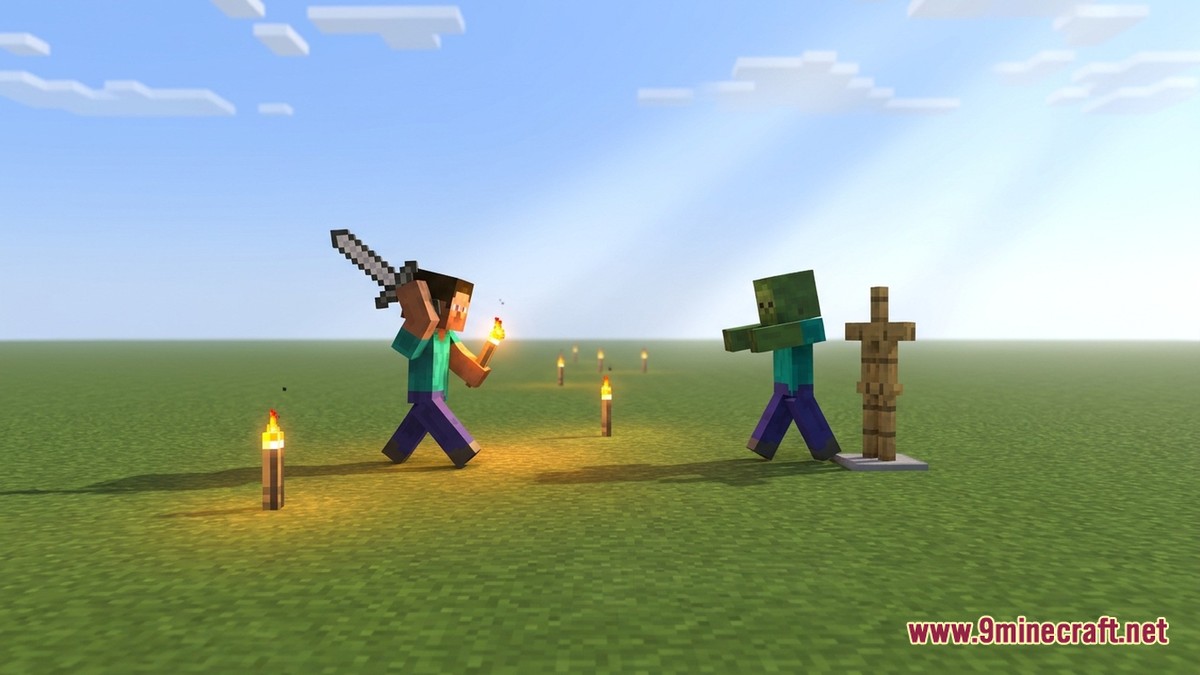
With both the behaviour and resource packs active, players can mine with a pickaxe in their main hand while immediately placing Torches or building blocks from their off-hand. The pack also supports planting crops, launching Firework Rockets, emptying Water Buckets, and throwing compatible projectiles. According to a file inspection by mcmodshub.com across Minecraft 1.21–26.x builds, players do not even need to open their inventory screen to move gear around. Pressing and holding the Jump and Sneak buttons simultaneously swaps the held item directly between the main hand and the off-hand, mimicking Java's familiar F-key shortcut on touchscreens and controllers.
Vanilla Bedrock Off-Hand
- Limited mainly to Shields and Totems of Undying
- Can hold arrows or maps, but cannot use utilities
- Requires opening the inventory UI to equip or swap items
- No block placement or torch lighting from the left hand
Functional Offhand Add-On
- Places blocks, torches, and plants crops from the secondary hand
- Activates water buckets, fireworks, and throwable projectiles
- Swaps items instantly by holding Jump and Sneak together
- Works across Minecraft Bedrock 1.21 to 26.x builds
 ShieldStandard vanilla off-hand defensive gear
 Totem of UndyingVanilla off-hand survival item
 TorchCan now be placed from the off-hand while mining
 Water BucketEmpties directly from the secondary slot for clutch saves
 Firework RocketUsable from the off-hand for boosting and utility
Java Combat Addon v2.3 Overhauls PvP and Interface
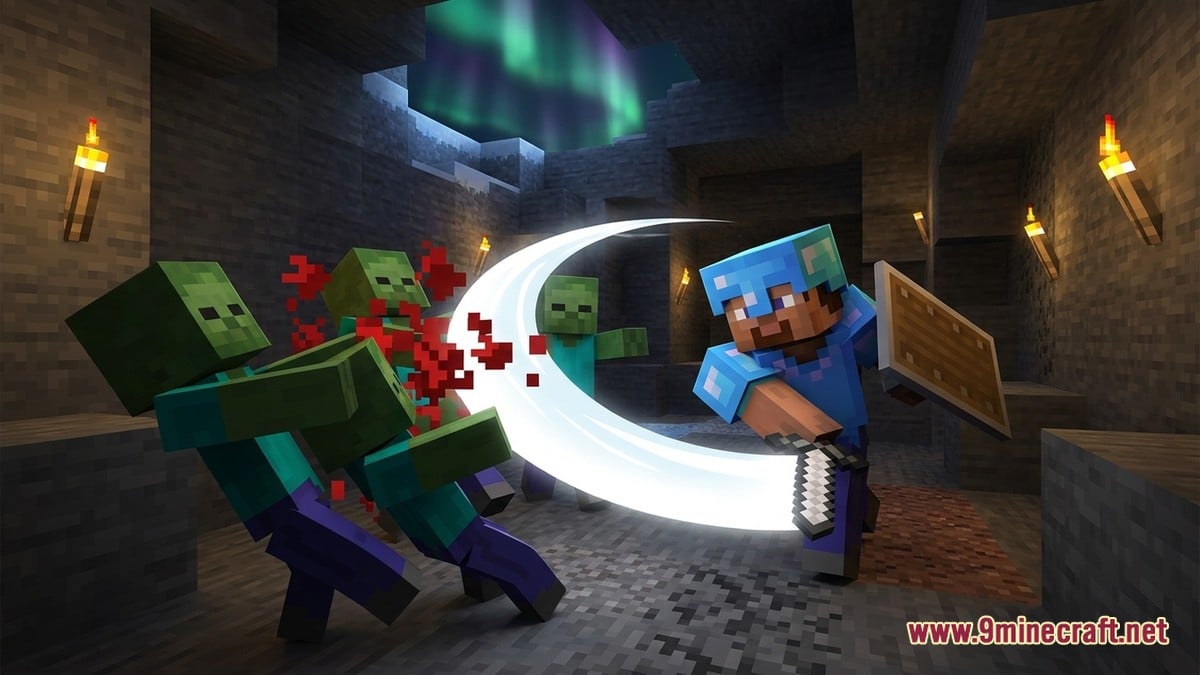
While off-hand utility solves half the parity puzzle, combat pacing is the other major request from Bedrock players. On MCPEDL, creator GaneshgamerzYT has been updating the Java Combat Addon, which brings Java Edition's 1.9-style combat mechanics, heart displays, and interface layout to Bedrock 1.21+.
Instead of Bedrock's default spam-clicking combat, the pack introduces an attack cooldown indicator and sweep attacks, changing both survival crowd control and player-versus-player fights. The v2.3 release (a 15.55 MB ".mcaddon" package) also focuses heavily on fixing interface bugs that often plague custom UI packs on newer Bedrock updates.
| Area | Change in v2.3 | Gameplay Impact |
|---|---|---|
| Combat Mechanics | Attack cooldown and sweep attacks | Replaces spam-clicking with timed strikes and area damage |
| Multiplayer UI | Fixed Invite Friends and added Add Friend button | Lets hosts add and invite players directly from the custom pause screen |
| Input Support | Controller and keyboard navigation | Social buttons work properly without requiring touch input |
| Furnace UI | Resolved screen lockup bug | Prevents players from getting stuck inside the smelting interface |
| Command Syntax | Updated legacy execute commands | Ensures behaviour scripts run cleanly on Minecraft 1.21+ builds |
Custom UI packs frequently break when Mojang updates Bedrock's underlying menu screens. In v2.3, GaneshgamerzYT repaired a frustrating bug where players could become trapped inside the Furnace interface. The update also restored the broken Invite Friends button in the multiplayer menu, added a direct Add Friend option before sending invites, and ensured both buttons can be navigated smoothly with a controller or keyboard.
What Players and Creators Are Saying
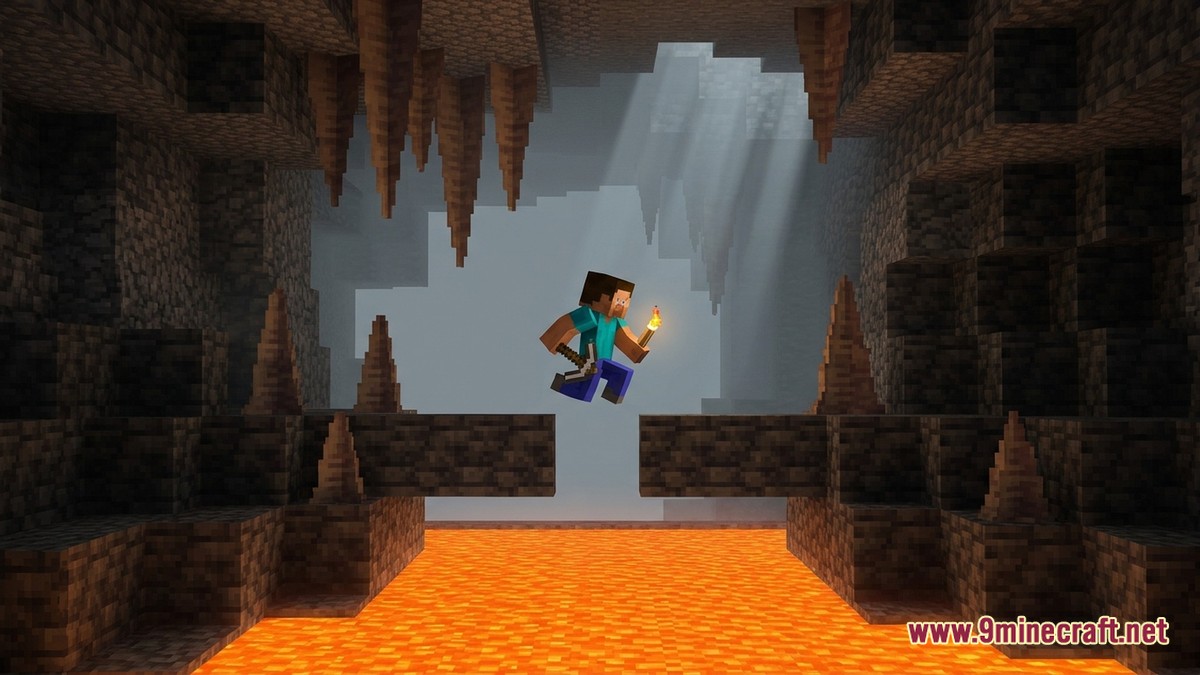
Across community showcases and comment threads, reaction to these parity add-ons is largely enthusiastic, especially among cavers and builders who have waited years for Mojang to expand Bedrock's left hand officially. Creators testing the Functional Offhand pack highlight how much smoother strip-mining feels when you do not have to constantly scroll across the hotbar just to light up a tunnel or bridge across lava.
At the same time, players point out a few practical drawbacks with script-driven off-hand packs. Using the Jump + Sneak combination to swap items is clever for touchscreens and gamepads, but some players note it can trigger accidentally during intense parkour, water clutches, or crouching combat. On the Java Combat Addon side, players appreciate that v2.3 finally fixed the furnace freeze and broken multiplayer invites, as custom UI packs often force hosts to disable packs just to let friends join a world.
How to Install and Test the Add-Ons
You can get the Functional Offhand and Java Combat add-ons, along with compatible Minecraft Bedrock builds (including Android APK, iOS, Windows GDK, and patched builds) or Java Edition resources on the 9Minecraft wiki, directly from our Android, iOS, Windows, patched and Java Edition download pages. Because these packs modify core player scripts and interface screens, it is always wise to back up your survival worlds before activating them.
- Download the ".mcaddon" or pack files from the download links on this page.
- Open the downloaded file to import both the Behaviour Pack and Resource Pack into Minecraft Bedrock.
- Edit your target world (or create a fresh test world) and enable any required Beta APIs or experimental toggles in the World Settings.
- Activate both the Resource Pack and Behaviour Pack for your world, placing custom UI packs at the top of your load order so menus work properly.
How do you swap items to your off-hand without opening the inventory?
With the Functional Offhand add-on active, press and hold the Jump and Sneak buttons at the same time to move your currently held main-hand item into the off-hand slot.
Which Minecraft Bedrock versions work with these add-ons?
Both packs are built for modern Minecraft Bedrock releases, supporting version 1.21 up through 26.x builds thanks to updated execute command syntax.
Did Java Combat Addon v2.3 fix the furnace screen bug?
Yes, version 2.3 resolves the UI glitch that previously caused players to get stuck inside the furnace screen, alongside fixing multiplayer friend invites.
Which Java Edition feature do you want officially added to vanilla Minecraft Bedrock the most?
Tap an option to vote