Minecraft Bedrock Preview 26.70.26 Brings Full Off-Hand Parity
Mojang has released Minecraft Bedrock Preview and Beta 26.70.26, introducing an experimental toggle that lets players hold and use any block or tool in their off-hand.
 9Minecraft Team
Players on Bedrock Edition can finally test full dual-wielding mechanics with the launch of Minecraft Preview and Beta 26.70.26, published on 17 November 2026. According to Minecraft Feedback (Mojang), this build adds the Off-hand Parity experiment, allowing you to hold and actively use almost any item or block in your secondary hand ahead of its planned stable launch in 2027.
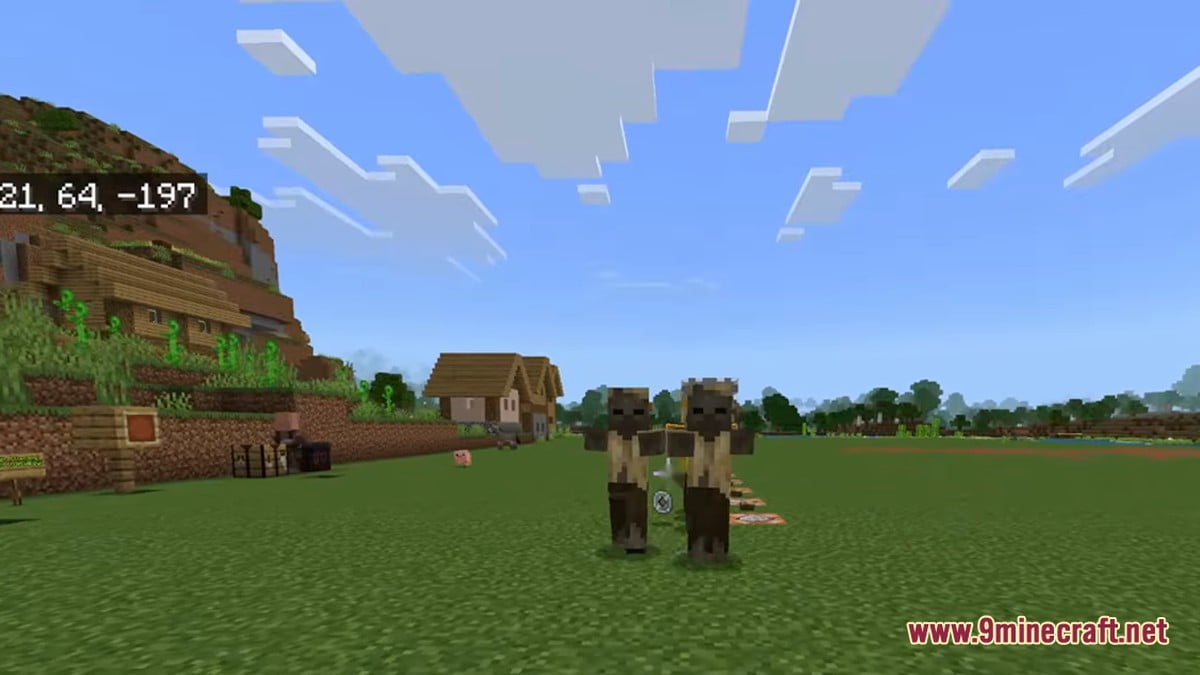
For years, the off-hand slot on consoles, mobile devices, and Windows was restricted to a tiny selection of items such as shields, maps, nautilus shells, and fireworks. As noted by minecraft.pl, Java Edition has enjoyed complete dual-wielding since version 1.9 in 2016, making this one of the most heavily requested parity features in the game's history. The new experiment arrives as part of the first game drop of 2027, which was previously teased during TwitchCon alongside a new throwable disc.
How Off-Hand Parity Works in Gameplay and Controls
Once you enable the Off-hand Parity toggle in your world's experimental settings, your secondary hand becomes fully functional for building and survival tasks. Minecraft Feedback (Mojang) explains that you can place any block directly from the off-hand without swapping hotbar slots, as well as perform secondary tool interactions like stripping logs with an axe.
Bedrock Off-Hand (Before)
- Restricted to maps, arrows, shields, fireworks, totems, and nautilus shells.
- Blocks and tools could not be equipped in the secondary slot.
- Crouching was required to raise a shield on touchscreens.
Off-Hand Parity Experiment (26.70.26)
- Any block can be held and placed directly from the off-hand.
- Tools retain right-click interactions (e.g., stripping wood with an axe).
- Quick-swap shortcuts added for keyboard, controller, and touch controls.
To make moving items between your main hand and off-hand seamless during combat or caving, the update introduces dedicated input bindings across all platforms. Mojang's patch notes detail three control adjustments:
- Keyboard and Mouse: Pressing F by default immediately swaps the items held in your main hand and off-hand.
- Controllers: Pressing the left face button now swaps held items between hands instead of opening your inventory.
- Touch Controls: Mobile players receive a new on-screen Shield button specifically to raise a shield held in the off-hand.
Community Reaction and Practical Survival Impact
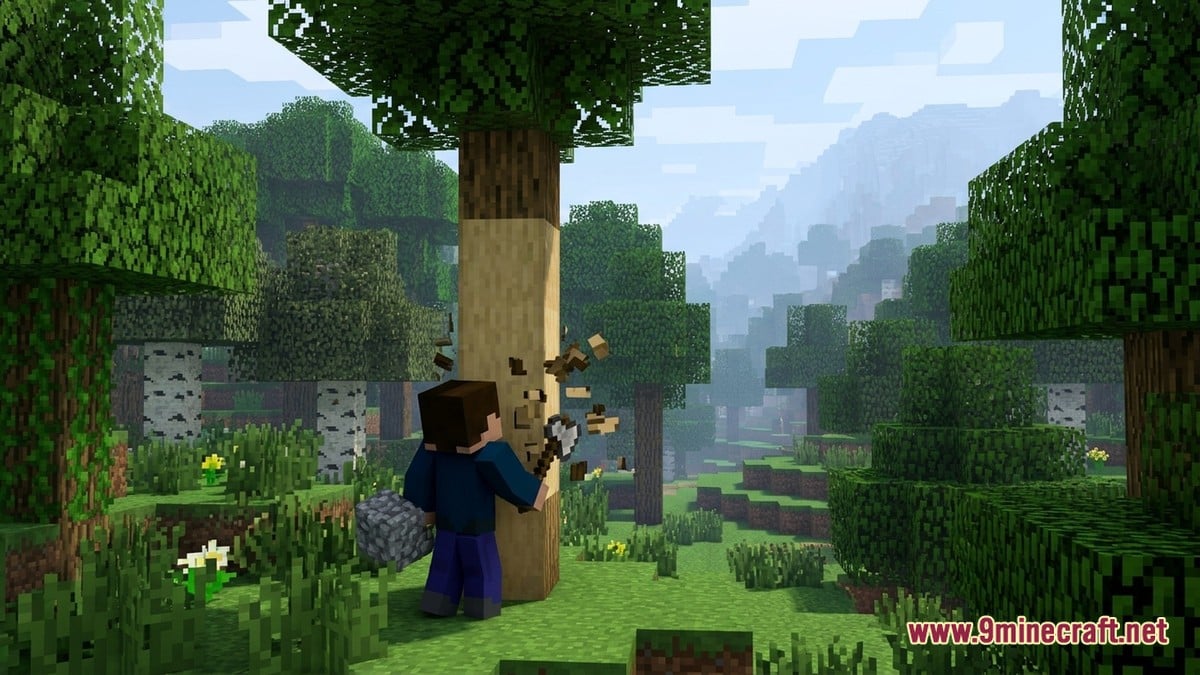
The response from players and content creators has been overwhelmingly enthusiastic, with many celebrating the end of a decade-long gap between editions. As highlighted by minecraft.pl, survival builders and cave explorers gain the biggest quality-of-life boost: you can now mine veins of ore or clear collapsing gravel with a tool in one hand while instantly placing torches or scaffolding with the other.
At the same time, some controller players have expressed mild concern over the left face button being reassigned from opening the inventory to hand-swapping, noting it will take time to unlearn years of muscle memory. Mobile and PvP players, meanwhile, are keen to see how the new touch Shield button performs in fast-paced combat without cluttering smaller screens.
How will you use the new Off-Hand Parity feature most in Bedrock Edition?
Tap an option to vote
Calcite Block Fixes, Frostbite Damage, and Audio Patches
Alongside the experimental off-hand overhaul, Preview 26.70.26 cleans up three bugs affecting blocks, combat balance, and sound effects from the upcoming winter-themed drop. According to Minecraft Feedback (Mojang), four decorative calcite blocks now properly require a Pickaxe to drop as items when broken, preventing players from harvesting them by hand.
 Calcite WallNow requires a pickaxe to drop when mined.
 Polished Calcite WallRequires a pickaxe to harvest in 26.70.26.
 Polished Calcite Brick WallPickaxe mining requirement enforced.
 Calcite PillarOnly drops as an item when broken with a pickaxe.
 Splash PotionRestored missing glass-shattering sound on impact.
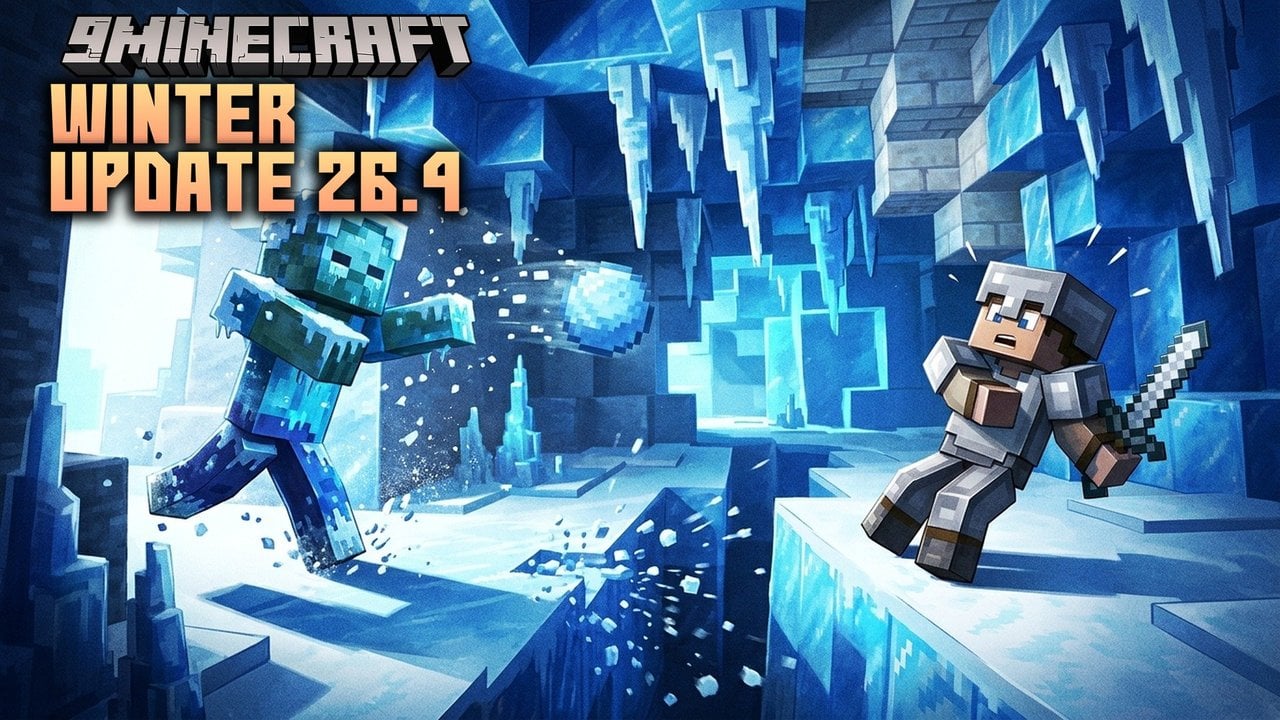
In combat adjustments, the Frostbite mob has had its melee attack calibrated to deal the exact same damage as a regular Zombie (fixing bug MCPE-244145). Furthermore, throwing Splash Potions once again triggers the proper shattering audio cue upon landing (MCPE-244256), which minecraft.pl notes is a welcome fix for multiplayer PvP players who rely on sound cues during fights.
The Road to 26.70.26 and Multiplayer Server Support
This release builds directly upon recent weekly test builds for the 26.70 cycle. Earlier updates reported by minecraft.net and mcbe.news introduced a winter block palette and initial underlying mechanics that paved the way for today's patch.
Added snow bricks, packed snow brick slabs, snow brick stairs, snow brick walls, and the ability to freeze water into frosted ice by feeding blue ice to a cold sulfur cube.
Introduced calcite building blocks, the "flurry" music disc, jukebox updates, and initial controls for swapping supported items between hands.
Unlocked full Off-hand Parity for placing any block and using tools from the secondary hand, plus Frostbite and calcite fixes.
If you want to test preview builds in a multiplayer environment, featured server The Hive announced that it has supported Minecraft Preview versions since 26.70.23, while raising its minimum supported stable game version to 26.30 following the retirement of the old Bedrock networking system. The Hive team cautions that preview server support is offered on a best-effort, experimental basis, and asks players submitting server bug reports to specify their exact preview build number.
How to Download and Test Minecraft Preview 26.70.26
Minecraft Preview runs on Xbox, PlayStation, Windows, and iOS, while the Beta build is available on Android. You can download Minecraft Preview and Beta 26.70.26 directly from our Android, iOS, Windows, patched and Java Edition download pages, which include Android APK, iOS, Windows GDK, and patched builds (for Java Edition files and guides, visit the 9Minecraft wiki). Because work-in-progress builds can be unstable and may corrupt saves, always back up your existing worlds before loading them, and remember to enable the Off-hand Parity toggle under the Experiments menu when creating or editing a world.