Dimz's Armor HUD v1.0.0 Adds Trims and Glint to Minecraft Bedrock 26.50–26.60
Dimz's Armor HUD v1.0.0 brings customisable on-screen tracking for armour trims, enchantment glints, and held items to Minecraft Bedrock without disabling achievements.
 9Minecraft Team
Dimz's Armor HUD v1.0.0 has released for Minecraft Bedrock, bringing live on-screen tracking for equipped gear, off-hand tools, and main-hand items. Built specifically for Minecraft 26.50 and 26.60, the add-on renders armour trims, enchantment glints, and custom items directly on the heads-up display so players no longer need to open their inventory mid-fight to check equipment status.
According to file checks published by mcmodshub.com, the project combines a behaviour pack and a resource pack while remaining completely achievement-friendly. Survival players can customise the layout of their on-screen gear display in real time while still earning Xbox and platform trophies.
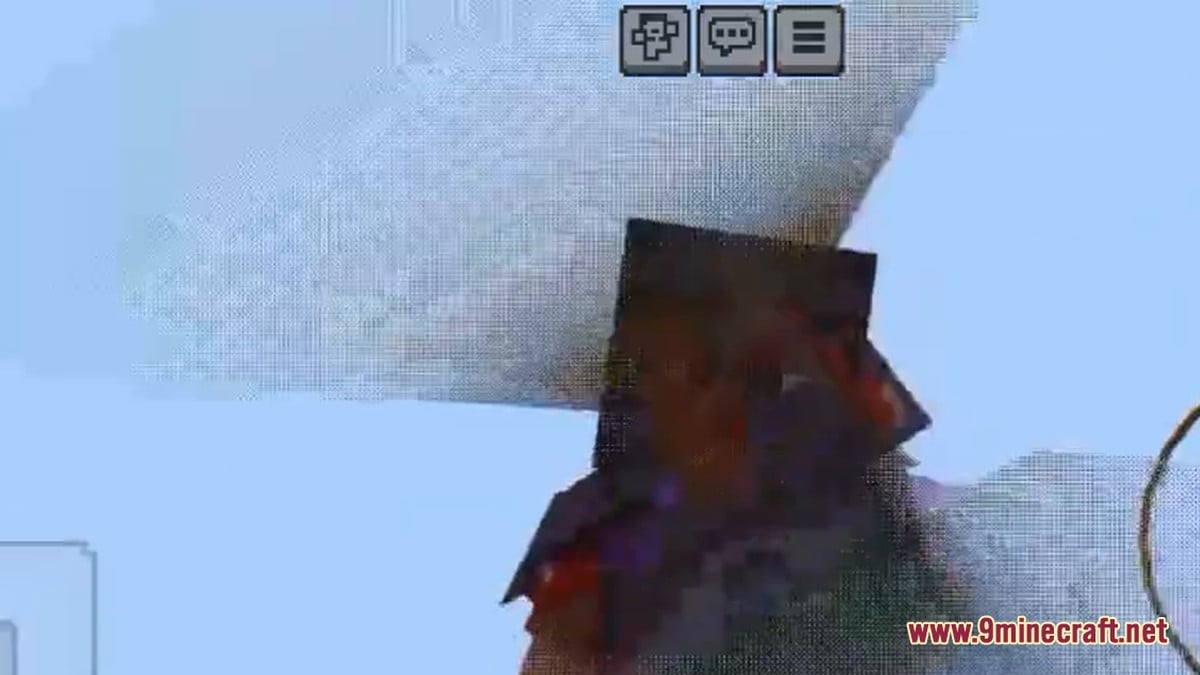
Version Compatibility and Installation on Bedrock
Although catalogued under the broader 1.21–26.x bracket, mcmodshub.com notes from its direct inspection of the pack files that the creator coded v1.0.0 strictly for Minecraft Bedrock 26.50–26.60. Installing the files on earlier or mismatched releases may allow the pack to load into the menus, but the HUD elements will fail to appear in-game.
Players who want to try the add-on or update their game to a compatible 26.50 or 26.60 build can grab the files from our Android, iOS, Windows and patched download pages, which cover Android APK, iOS, Windows GDK, and patched Bedrock builds. Always back up your survival worlds before activating new behaviour and resource packs in case an update causes unexpected visual glitches.
Customising Enchantment Glints on Java Edition
While Bedrock players are gaining better visibility for their enchanted gear on the HUD, Java Edition modders are expanding how that enchantment shimmer looks in the first place. On Modrinth, the client-side Custom Glint mod allows players to swap the default purple enchantment overlay on armour and tools live in-game without altering the rest of the world's lighting.
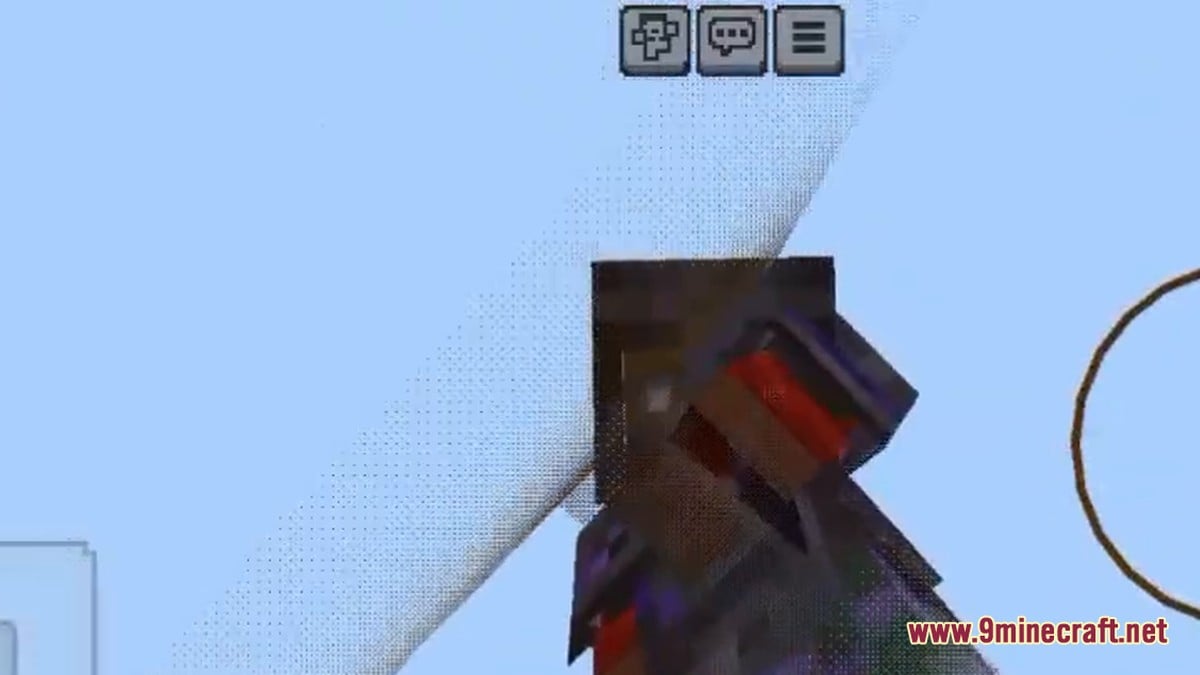
Users can switch between built-in presets, revert to the old enchantment glint style, enable enchant bloom, or apply an End gateway shader effect directly to their gear. Adding bespoke patterns only requires dropping custom PNG files into the mod's glint folder, and Java players can find both the mod and compatible clients via the 9Minecraft wiki links on this page.
Crucially, Modrinth highlights that Custom Glint is engineered to work natively with Vulkan Mod, letting performance-focused players keep high frame rates while still enjoying shader overlays and bloom on their equipment. It also runs on standard setups without Vulkan and requires no shader loader, Iris, or Sodium, operating as a lightweight standalone tool.
Dimz's Armor HUD v1.0.0 (Bedrock)
- Combines a resource pack and behaviour pack for 26.50–26.60
- Renders equipped armour trims, glints, main-hand, and off-hand items on the HUD
- Fully achievement-friendly for unmodded survival progression
Custom Glint Mod (Java)
- Client-side mod requiring no Iris, Sodium, or external shader loaders
- Replaces tool and armour glints live using custom PNG files, bloom, or End gateway effects
- Compatible with Vulkan Mod for optimised performance
Community Reaction and Returning Player Confusion
Across YouTube showcases and modding discussions, the community response to Dimz's Armor HUD v1.0.0 has been overwhelmingly supportive, particularly among PvP and survival players who appreciate seeing their armour trims and custom textures reflected accurately on the HUD without losing achievement eligibility. The main frustration shared by players involves Bedrock's strict version gating, as those staying on older 1.21 builds find the add-on unresponsive if they do not match the 26.50–26.60 requirement.
At the same time, the visual overlap between trims, netherite upgrades, and enchantment glows continues to puzzle returning players. A recent thread by user blah2k03 on Reddit MinecraftJava highlighted how overwhelming the smithing system feels after a long break, with players frequently questioning whether netherite upgrade smithing templates and armour trims can be duplicated infinitely, which materials dictate trim colours, and whether trimmed netherite still displays its enchanted glow.
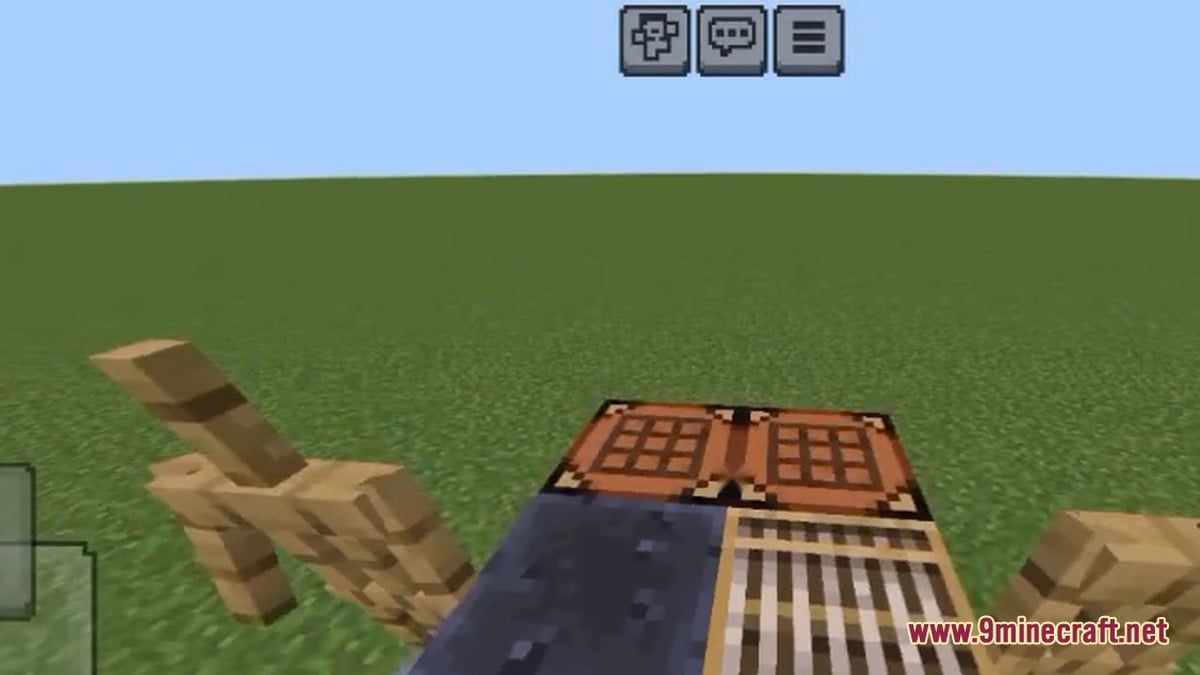
 Netherite IngotCrafted from four netherite scraps and four gold ingots to upgrade diamond gear.
 Netherite UpgradeRequired in a smithing table to turn diamond equipment into netherite.
 Sentry Armor TrimOne of the decorative templates that adds dyed patterns to any armour tier.
 Smithing TableThe workstation used to apply both netherite upgrades and colourful armour trims.
Can you duplicate armour trims and netherite upgrade templates indefinitely?
Yes. Both upgrade templates and trim templates can be duplicated as many times as you have seven diamonds and the matching base block required for the recipe.
Do armour trims only work on netherite and only use ores for colours?
No. Trims can be applied to leather, chainmail, iron, gold, diamond, turtle shells, and netherite, using ten different minerals and ingots—including amethyst, quartz, emerald, redstone, and lapis—to set the colour.
Does enchanted trimmed netherite armour still glow?
Yes, the enchantment glint renders right over top of both the dark netherite base and the coloured trim pattern, which is why HUD add-ons and glint customisers have become so popular.
Which visual upgrade matters most for your Minecraft setup?
Tap an option to vote