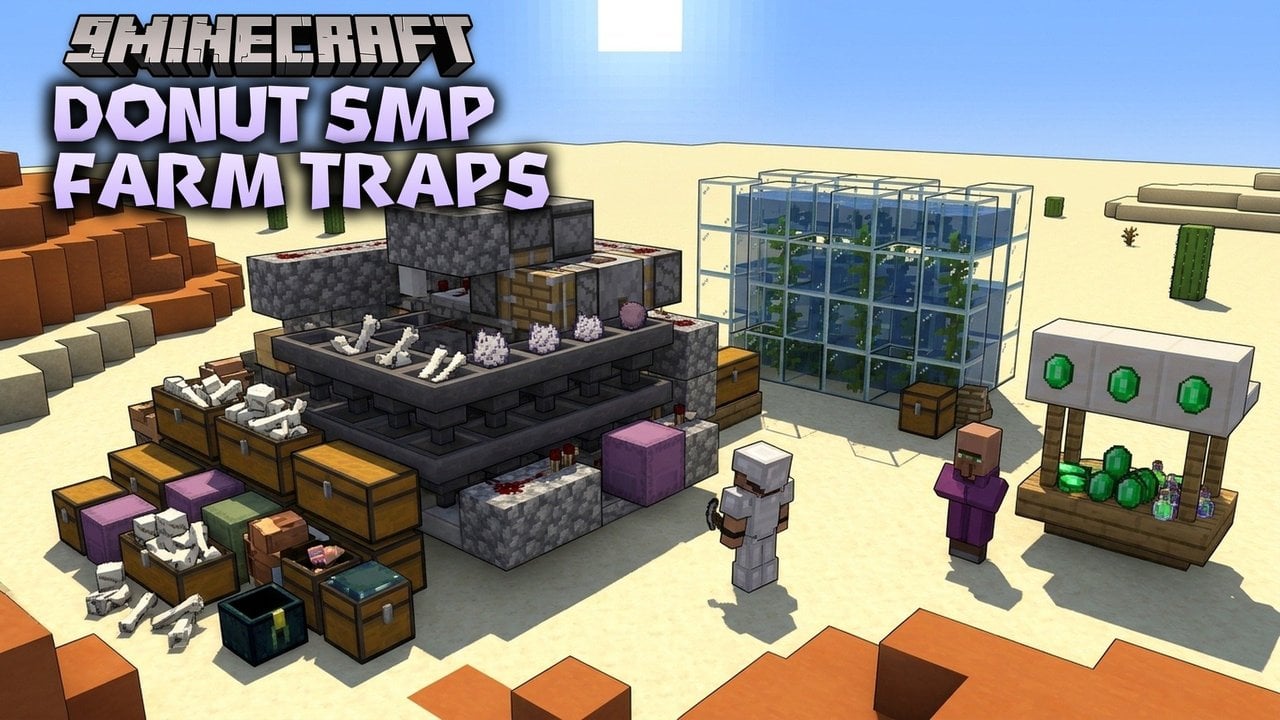
How Minecraft Bedrock 26.3 and Java Duplication Glitches Work
Three fast item duplication glitches remain active in Minecraft Bedrock 26.3 alongside persistent Java Edition save-desync tricks.
 9Minecraft Team
Players looking to multiply their valuable survival items in Minecraft 26.3 currently rely on a handful of rapid, unpatched exploits that bypass standard resource gathering. As reported by craftmc.net and grokipedia.com, both Bedrock Edition and Java Edition retain working item duplication bugs that take around a minute to execute once prepared. While Mojang frequently adjusts internal save timings across updates like 26.3x and 26.5x, specific redstone setups and application force-close methods continue to slip through across consoles, mobile devices, and PC.
At their core, most general item duplication techniques rely on creating a race condition between the player's inventory and the world's storage data. When a save event, block update, or chunk unload happens at the exact wrong moment, the game registers an item inside a storage block while simultaneously leaving a copy in the player's hotbar. Because a poorly timed exit can easily leave a world file half-written and corrupted, players should always use Duplicate World on Bedrock or Edit followed by Make Backup on Java before attempting any of these steps.
Active Minecraft Bedrock 26.3 Duplication Methods
According to craftmc.net, the quickest no-build method in Bedrock Edition—including on Realms—uses a standard crafting table to copy any stackable resource without touching redstone or portals. A player places the target stack inside the crafting grid, completely fills every remaining slot in their personal inventory, and then immediately force-closes the entire application rather than exiting to the title screen. Upon booting the game back up, one full stack rests inside the player's inventory while a duplicate stack remains sitting on the crafting grid.
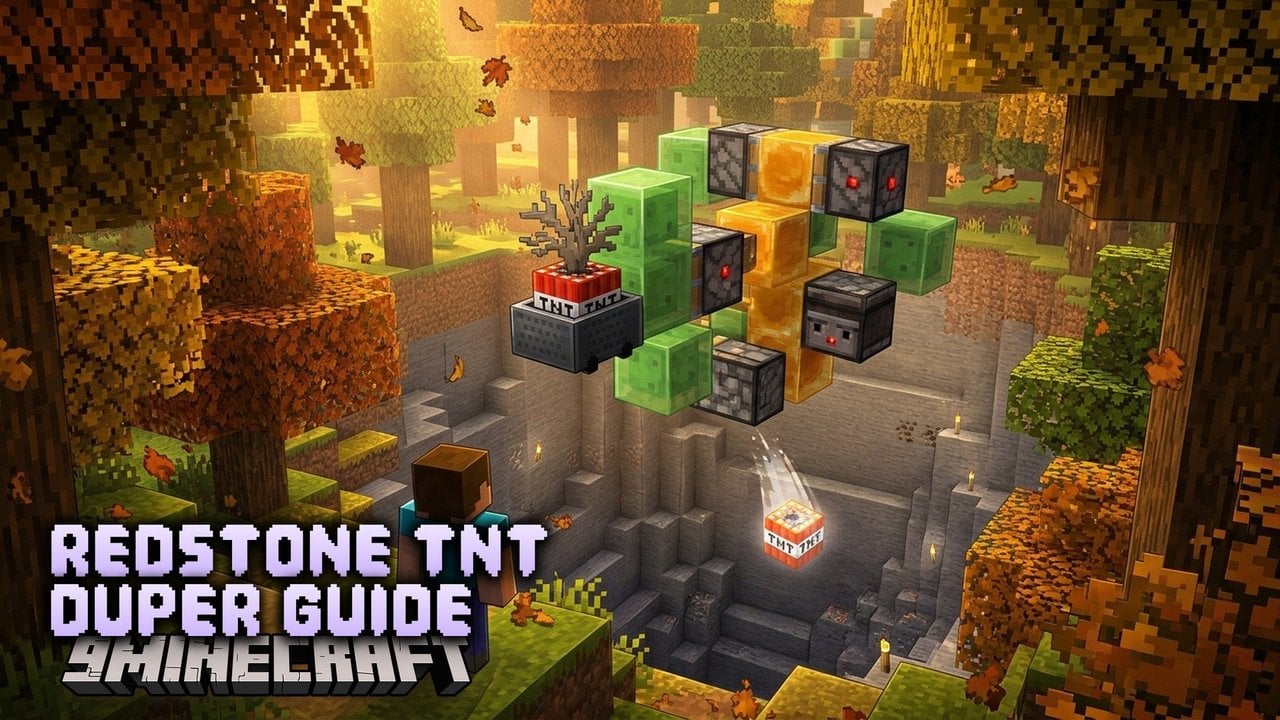
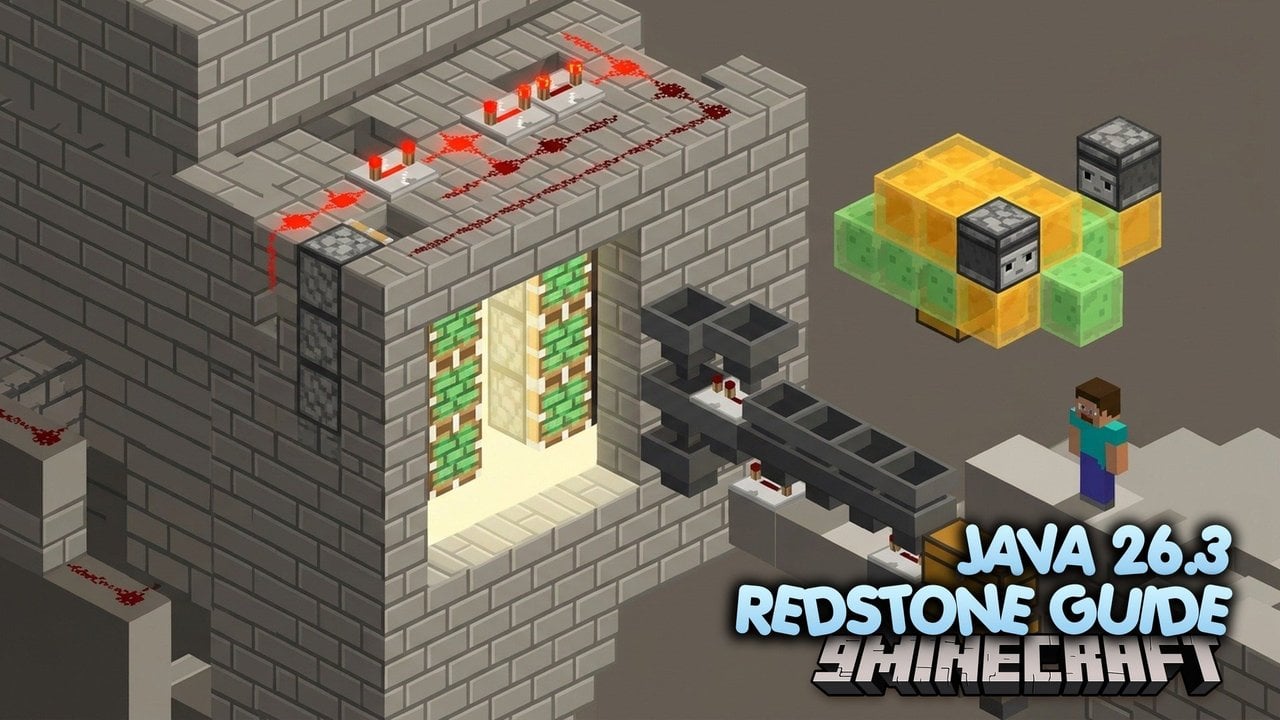
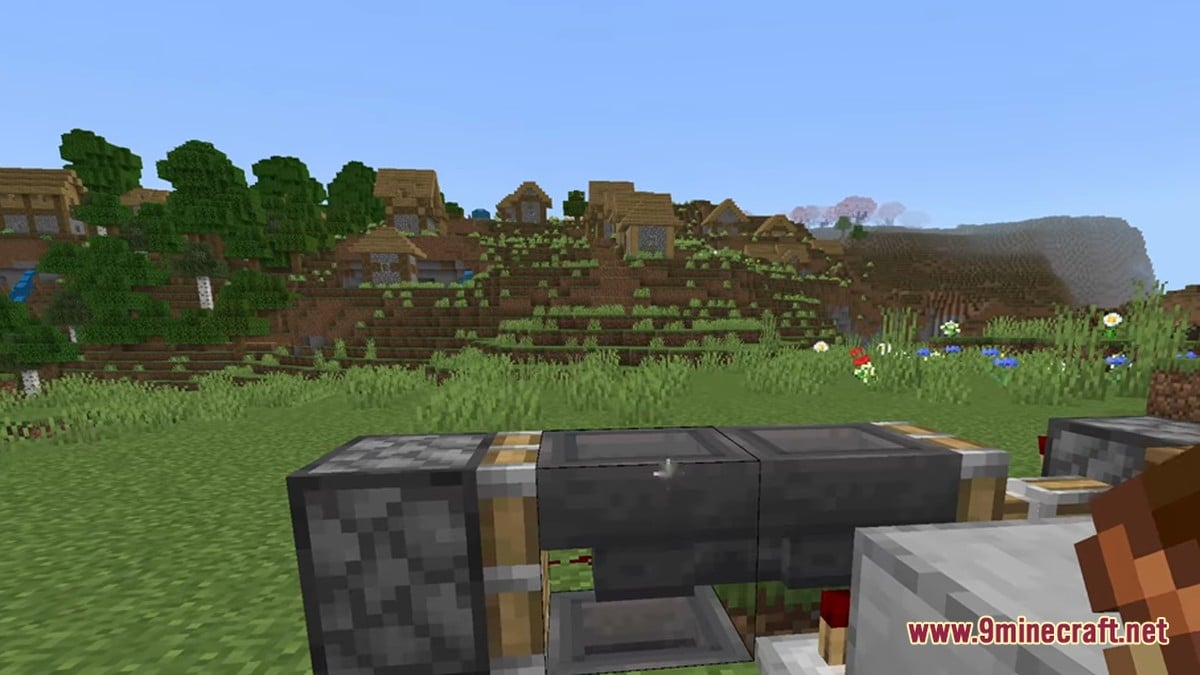
For non-stackable gear, enchanted tools, or full shulker boxes, Bedrock players rely on compact redstone machines utilizing bundles, hoppers, droppers, pistons, and comparators. As noted by grokipedia.com, these bundle-based redstone contraptions remained operational across 26.3 builds by firing a precise mechanical sequence while the player interacts with the storage or kills the app. Because Windows, Xbox, PlayStation, Nintendo Switch, and mobile devices share the same underlying Bedrock codebase, the exact same redstone layout generally works across all platforms.
 BundleCore component in Bedrock 26.3 redstone any-item duplicators.
 Crafting TableUsed for the no-build force-close glitch with stackable items.
 Big DripleafPaired with a Nether portal to multiply falling gravity blocks.
 Shulker BoxAllows entire chests of enchanted gear to be copied at once.
When builders need massive quantities of sand, gravel, concrete powder, or anvils for mega bases and terraforming, craftmc.net points to the big dripleaf and Nether portal reload loop. Instead of racing an inventory save, this technique abuses how Bedrock serializes falling gravity blocks during dimension and chunk reloads. Players often pair this setup directly with a water converter to turn duplicated concrete powder into solid concrete blocks on the spot.
How Java Edition Save Desyncs and LAN Exploits Work
Because Java Edition uses a completely different tick system, save architecture, and redstone codebase, Bedrock machines will not function on it. Instead, craftmc.net and grokipedia.com detail a durable Java pattern active through snapshot 26.1 and 26.3 that combines a storage container—such as a chest or barrel—or dropped items with an abrupt process crash. Players press F3+P so the client does not pause when tabbing out, leave their inventory or container open, and use Alt+F4 or Task Manager to end the OpenJDK Platform Binary (javaw.exe) process before the chunk finishes saving.
If the timing window on a Java chunk savestate is too tight, creators recommend intentionally spiking client lag by cranking the render distance to maximum or capping the frame rate very low. Beyond crashing the client, grokipedia.com and the Minecraft Wiki also document a reliable singleplayer LAN inventory exploit that copies data straight from the world's level.dat file using two accounts.
- Launch the world on a primary account, place the desired items into the player inventory, and select Save and Quit.
- Open the game with a secondary account, load that exact same world file, and open it to LAN.
- Rejoin the active LAN session from the primary account via the multiplayer menu; both instances will now hold the identical inventory data loaded from level.dat.
- Empty the items out of the primary account's inventory into a chest, then Save and Quit on that account.
- Reload the world normally with the primary account to find the original inventory restored alongside the items stored in the chest.
Alongside general inventory tricks, Java players also use update suppression to prevent block updates around item frames, as well as piston contraptions that multiply rails, carpets, and TNT for technical fuel or excavation farms. A specific crop quirk outlined by grokipedia.com even allows melon and pumpkin stems grown on dirt or grass to drop extra seeds when broken, while experimental snapshots leading into 1.21 briefly exhibited crafting ingredient retention bugs.
Minecraft Bedrock 26.3
- Uses redstone boxes with bundles, hoppers, and droppers for any-item copying.
- Supports a no-build crafting table and full inventory app force-close for stackable items.
- Copies gravity blocks like sand and anvils using a big dripleaf and Nether portal.
- Works identically across Windows, consoles, and mobile due to shared edition code.
Minecraft Java 26.1 / 26.3
- Relies on F3+P and terminating OpenJDK Platform Binary in Task Manager.
- Duplicates entire inventories by sharing level.dat across two accounts on a local LAN world.
- Uses update suppression on item frames and piston machines for carpets, rails, and TNT.
- Drops bonus melon and pumpkin seeds when breaking stems grown on grass or dirt.
Community Reaction and Multiplayer Server Countermeasures
Across YouTube tutorials and community forums, player opinion on one-minute duplication glitches remains sharply divided. Technical builders and solo survival players frequently praise methods like the big dripleaf farm and crafting table force-close for eliminating hours of repetitive sand digging or gear grinding after an unfair death. Conversely, many survival purists and server operators criticise any-item exploits as illegitimate cheating that strips all challenge and progression out of vanilla gameplay.
According to grokipedia.com, Mojang often treats these complex save-desync bugs as low priority because they require deliberate crash steps or hyper-specific redstone timings that normal players rarely trigger by accident. On multiplayer servers running Paper or Spigot around versions like 1.21.11, however, administrators actively block vanilla desyncs using dedicated anti-cheat plugins such as ExploitFixer, DupeDetect, DupeTrace, and DupeWatch. Players who want to test these mechanics in solo survival can download the latest builds from our Android, iOS, Windows, patched and Java Edition download pages, with Android APK, iOS, Windows GDK, and patched builds available for Bedrock, or visit the 9Minecraft wiki for Java Edition.
A History of Strange Patched Pocket and Bedrock Dupes
Today's redstone and force-close tricks are the latest chapter in a long history of bizarre Bedrock and Pocket Edition glitches catalogued by mcdf.wiki.gg. In older versions, duplicating items often required absurd in-game rituals rather than save desyncs—such as enchanting armour with Thorns III and shooting oneself to death with Instant Damage II arrows, a bug that skipped 1.18.10 but worked in 1.18.203. Another famous touchscreen exploit running through 1.20.51 allowed players to drop gravity blocks into an End gateway with broken bedrock above it, Save and Quit, and travel through to convert the falling block into random, otherwise unobtainable discontinued items.
| Version Range | Target Item / Block | How the Exploit Functioned |
|---|---|---|
| v0.3.2 alpha | Diamond, Gold, Iron, Lapis | Mineral blocks mistakenly cost only 6 minerals to craft but still unpacked into 9. |
| v0.4.0 – beta 1.9.0.0 | Oak Doors | Placing doors on invalid blocks, next to a cactus, or mining specific halves dropped two doors. |
| v0.11.0 alpha (b1–b4) | Chests, Furnaces, Carpets | Chunk block entities only saved if another was placed nearby; placing carpet on air dropped white carpet for free. |
| v0.12.1 – v0.12.3 alpha | Mob Heads & Potions | Silk Touch dropped both a head item and a skull block (creeper or -1 data skull); swapping mid-drink copied potions. |
| v0.14.0 alpha (b3–b6) | Minecart with Chest | Container changes inside a chunk failed to save unless specific chunk events triggered afterward. |
| v0.15.0 alpha – 1.11.4 | Rails | Pushing rails onto invalid blocks or placing sloped rails beside floating rails dropped extra rail items. |
| beta 1.2.13.5 – 1.2.13.6 | Mob Heads | Breaking a placed mob head with flowing water yielded two head drops instead of one. |
Even simpler UI and mob quirks existed alongside those version-specific bugs. According to mcdf.wiki.gg, touchscreen players using the Pocket UI could empty their inventory, place at least two of an item in the first hotbar slot, and hold the second slot for two seconds to spit out a free copy. Another inconsistent method even involved killing an armoured horse for a chance that it would drop two pieces of horse armour instead of one, proving that item multiplication has surfaced in nearly every system of the game since its earliest alpha builds.
How do you feel about using duplication glitches in survival Minecraft?
Tap an option to vote