How MB Loader and MBL2 Run Custom Shaders on Minecraft Bedrock
Community tools like MB Loader and MaterialBinLoader 2 let Minecraft Bedrock players bypass RenderDragon limits to run custom shaders across Android and PC.
Minecraft News
Players looking to run custom community shaders on modern Minecraft Bedrock builds up to the 1.26.x and 26.52 branches are turning to lightweight wrapper tools like MB Loader and the MBL2 Shader Loader. Since Mojang locked down graphics files behind the RenderDragon engine, these third-party community loaders have become the standard method for restoring custom lighting, water reflections, and sky effects without waiting for official engine overhauls.
Why RenderDragon Blocked Classic Shaders
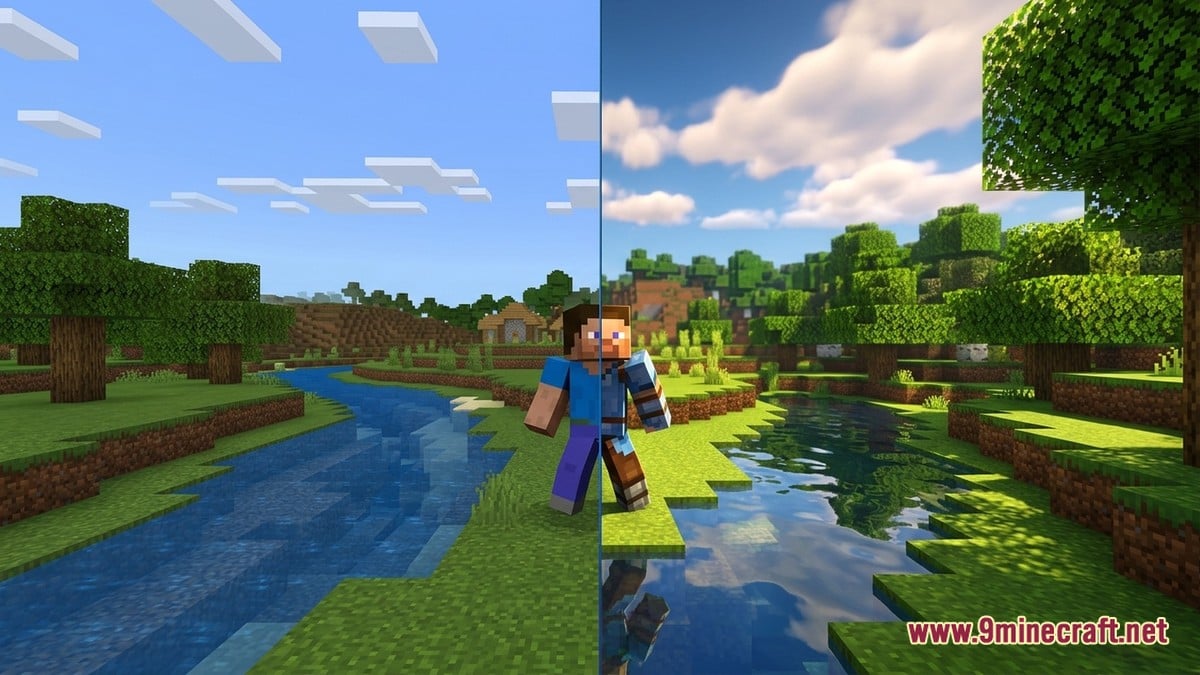
Before the transition to RenderDragon, Bedrock handled visuals through readable shader code similar to GLSL, allowing anyone to activate a shader pack with a single tap. As paujity explains, the newer engine replaced runtime source files with pre-compiled programs stored as material.bin files inside the renderer directory, governing how terrain, clouds, water, and entities are drawn.
Because vanilla resource packs are blocked from overriding these compiled materials, older HAL shaders stopped functioning altogether. Modders eventually rebuilt custom visual packs around open templates like Newb X Legacy, pairing compiled material.bin replacements with external loaders or modified clients that force the game to read them.
How MBL2, MB Loader, and Patched Clients Differ
According to mcpeuday, the core engine behind modern Android shader loading is MaterialBinLoader 2 (MBL2), an open-source .so shared object library created by developer mcbegamerxx954 that weighs just 300–450 KB. Using the Bedrock Scripting API and a custom manifest.json behaviour pack, MBL2 intercepts vanilla rendering requests and redirects them to custom material.bin, camera, and UI directories.
MB Loader wraps that library into a dedicated Android front-end application that has passed 150,000 total downloads and averages 79,000 downloads every 30 days. Rather than altering core installation files, MB Loader runs Minecraft inside an isolated runtime environment with MBL2 and Draco loading modes, built-in world backup tools, and on-screen shortcut buttons such as F1, F2, and Q.
An older and still widespread mobile alternative is Minecraft Patched, a modified Android build pre-configured to read material.bin files straight from the resource pack menu. As paujity notes, frame rates are virtually identical between MB Loader and Patched because the shader itself dictates GPU load, though Patched clients must be completely rebuilt after game updates like 26.45, 26.50, 26.51, or 26.52.
| Tool / Method | Platform | How It Works | Key Trade-Off |
|---|---|---|---|
| MB Loader (MBL2 / Draco) | Android | Runs unpatched Minecraft in an isolated wrapper environment | Includes Autofix for minor updates, though major drops still break packs |
| Standalone MBL2 (.so) | Android | Packaged manually as a behaviour pack matching arm64 or arm32 | Requires manual setup and matching CPU architecture |
| Minecraft Patched | Android | Modified APK client that reads material.bin from resource packs | Must wait for a brand-new patched client after every game update |
| BetterRenderDragon | Windows PC | Unlocks custom PC-compiled materials and extra rendering options | Requires Windows-specific shader builds rather than Android packs |
| mcpelauncher | Linux | Runs the Android edition natively without heavy emulation | Switching shaders requires manual file work or helper scripts |
Cross-Platform Tools on Windows, Linux, and iOS
Shader files are compiled for specific graphics backends, meaning an Android shader pack will often trigger black screens or invisible blocks if loaded on a PC. On Windows, paujity highlights BetterRenderDragon as the primary community tool for unlocking PC-compiled materials and higher-end deferred packs, while older utilities like Matject have grown largely unsuitable or restricted to x86_64 systems, according to faizul726.
Linux players mentioned by faizul726 commonly rely on mcpelauncher to run the Android build without full emulation, using helper scripts to swap shader files manually. Meanwhile, icedfoxstudios outlines standard .mcpack and folder import paths across Windows (%AppData%), Android (com.mojang.minecraftpe), and iOS via the Files app, though vanilla unpatched clients on iOS and consoles remain limited unless Mojang's experimental Deferred Technical Preview is supported.
Installing Shaders Safely on Bedrock
If you want to test Minecraft Bedrock builds, compatible 1.26.x patched clients, or shader-ready packages, you can get them from our Android, iOS, Windows and patched download pages, which cover Android APK, iOS, Windows GDK, and patched builds. Once your preferred loader and a compatible pack such as YSS Shader are ready, setup follows a straightforward routine.
- Check your Android CPU architecture first if using standalone MBL2—modern phones usually need arm64 (Aarch64), while older budget devices use arm32.
- Download a RenderDragon shader compiled specifically for your platform (Android vs Windows) and exact game version.
- Import the .mcpack directly, or rename it to .zip and extract the folder containing manifest.json into your resource_packs directory while Minecraft is closed.
- Launch Minecraft through MB Loader (or your chosen platform tool), head to Settings > Global Resources or your individual world settings, and move the shader to Active.
- Load a test world first; if textures look flat or the app crashes, clear the cache and verify both your device architecture and shader version.
What Creators and Players Are Saying
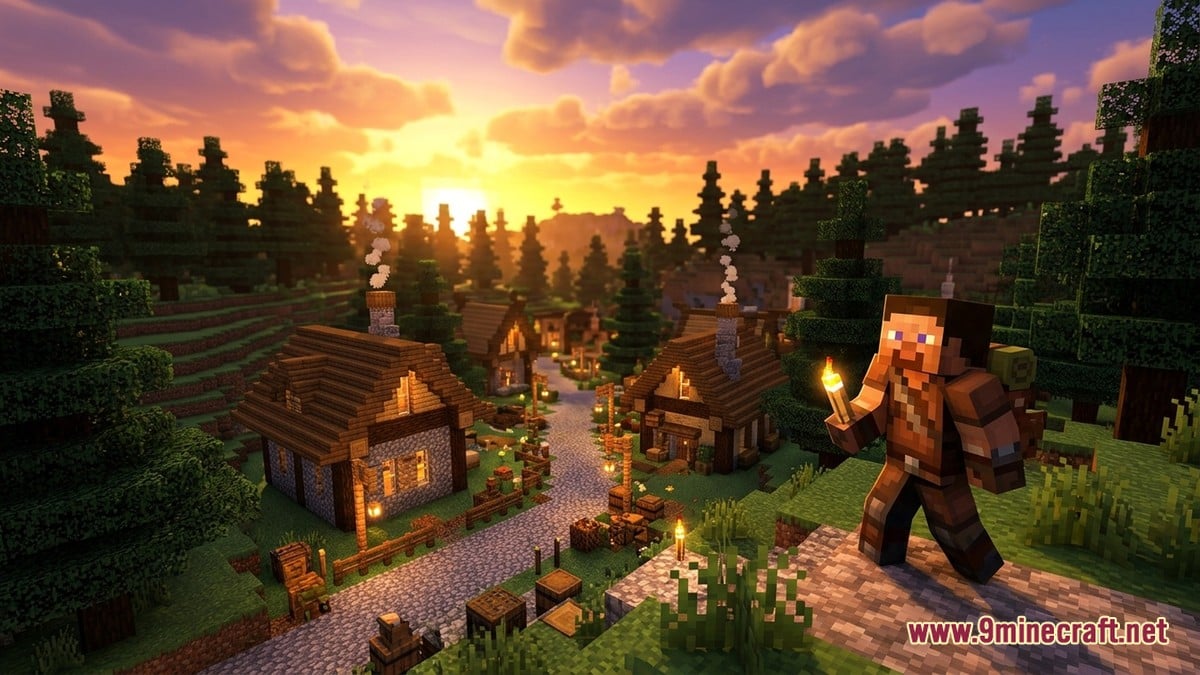
Across community guides and creator showcases, frustration with Mojang's official Vibrant Visuals (Deferred Technical Preview) is a recurring theme. Creator aziangelo points out that the official preview demands steep hardware specs that exclude budget phones while making different packs look nearly identical aside from colour tweaks, whereas community material.bin shaders allow custom clouds and water that still run smoothly on low-end devices.
At the same time, technical writers and players acknowledge the headaches of unofficial modding. faizul726 notes friction around closed instructions from certain tool maintainers pushing their own launchers, while paujity warns that freezing your game version to keep shaders working means losing access to Realms and multiplayer servers that enforce the newest patch—and some servers disallow modified clients entirely.
Why does Minecraft Bedrock crash or show a black screen when I enable a shader?
The two most common causes are CPU mismatches—such as loading an arm64 MBL2 library on a 32-bit phone—and platform or version mismatches, like installing a Windows shader on Android or running a 26.30 pack on 26.52.
Can MBL2 Autofix make old pre-RenderDragon shaders work again?
No. Autofix only attempts to patch minor update changes in modern RenderDragon material.bin files during startup; legacy HAL shaders from before RenderDragon cannot be restored.
Does MB Loader lower frame rates compared to Minecraft Patched?
No. Community testing shows performance is virtually identical between the two Android methods because GPU load comes from the shader's visual effects rather than the loader.
How do you currently handle graphics and shaders on Minecraft Bedrock?
Tap an option to vote