Minecraft Bedrock Preview 26.70 .24 Adds Joy-Con 2 Mouse Controls for Nintendo Switch 2
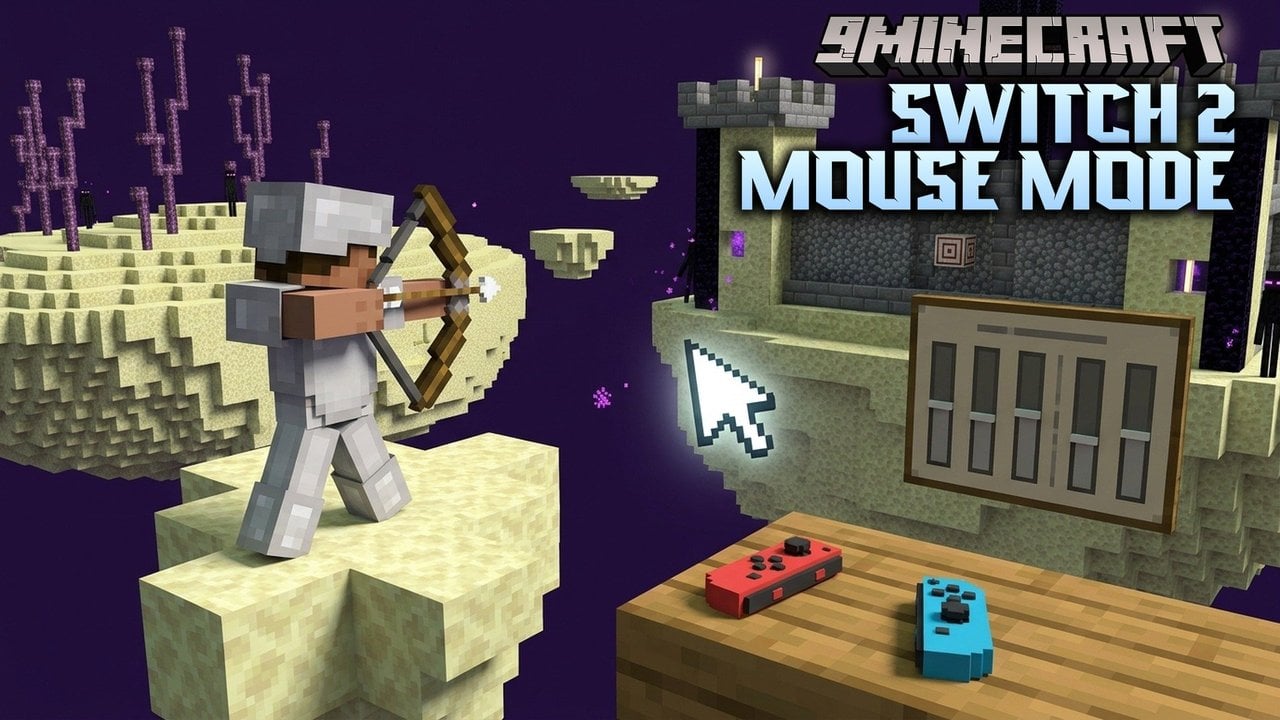
Moj ang is testing an optional mouse control scheme for Minecraft Bedrock on Nintendo Switch 2, allowing players to use Joy-Con 2 controllers as pointers.
 9Minecraft Team
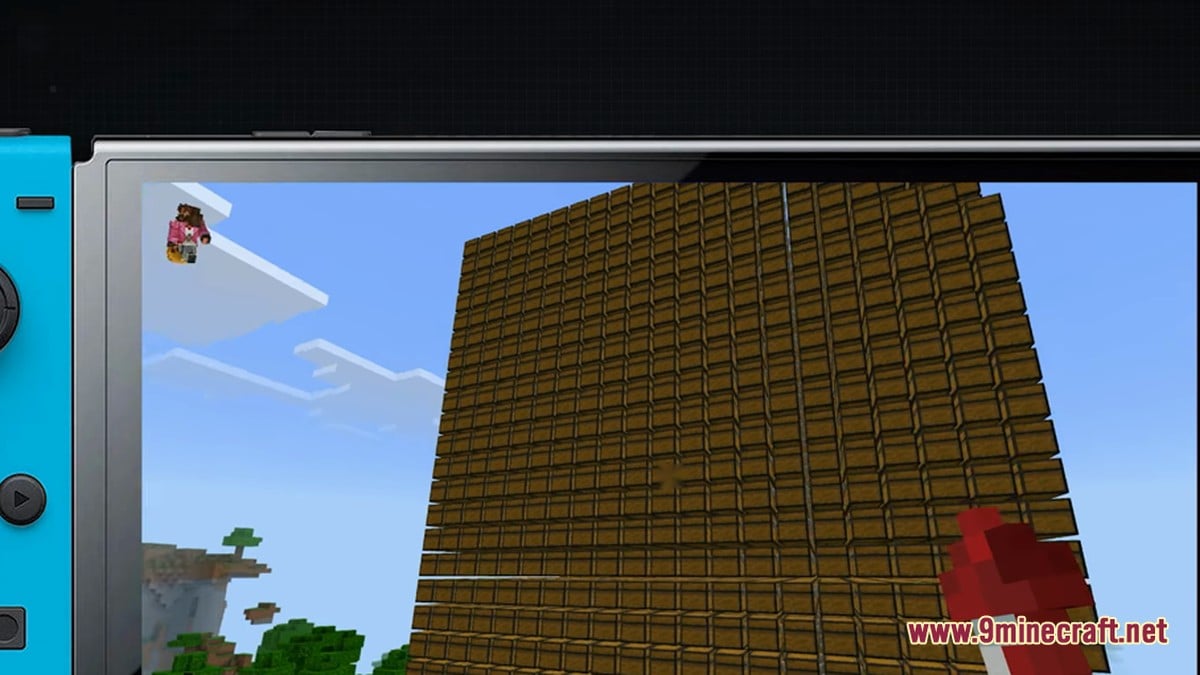
This addition aims to bring the tactile precision of the original PC version to Nintendo's newest hardware. According to gonintendo.com, the option feels natural for those familiar with traditional keyboard-and-mouse play. While currently locked behind the closed beta program, analyticsinsight.net suggests it is expected to reach the public version in a future, unannounced patch.
Customisation and Controls
The control scheme is designed for flexibility, allowing users to choose their dominant hand for aiming. As reported by nintendoeverything.com, the default layout maps block placement to ZL and block breaking or selection to ZR. Players can also use A to fly and B to descend.
| Action | Button |
|---|---|
| Place Block | ZL |
| Break/Select Block | ZR |
| Fly | A |
| Descend | B |
Beyond the basic inputs, the system includes deep customisation. nintendocentral. com highlights that sensitivity settings for both the cursor and camera can be tuned, ensuring that the pointer speed matches individual play styles.
Bro ader System Improvements
This update arrives as part of a larger push to enhance the Minecraft experience on the Switch 2. games.gg notes that the game already features improved lighting and shadow effects via its 'Vibrant Visuals' pipeline. Furthermore, saved worlds from the original Switch version remain compatible with the newer console.
Legacy Switch Experience
- Standard controller inputs only
- Limited graphical fidelity
- No official mouse support
Switch 2 / Preview 26.70.24
- Optional Joy-Con 2 mouse mode
- Vibrant Visuals lighting effects
- Enhanced performance and resolution
Community Reception
However , some users have aired frustrations regarding the lack of a firm public release date. There is also a subset of the community concerned about the steep learning curve for those who have only ever used thumbsticks for movement and aiming.
Would you use Joy-Con 2 mouse mode for Minecraft on Switch 2?
Tap an option to vote