Minecraft Java 26.3 Snapshot 10: Dappled Forest Menu, Teleport Trails, /compute Math
Snapshot 10 brings the cosy Dappled Forest to the main menu, adds directional particle trails for Chorus Fruit teleports, and introduces powerful new math commands for mapmakers.
Minecraft News
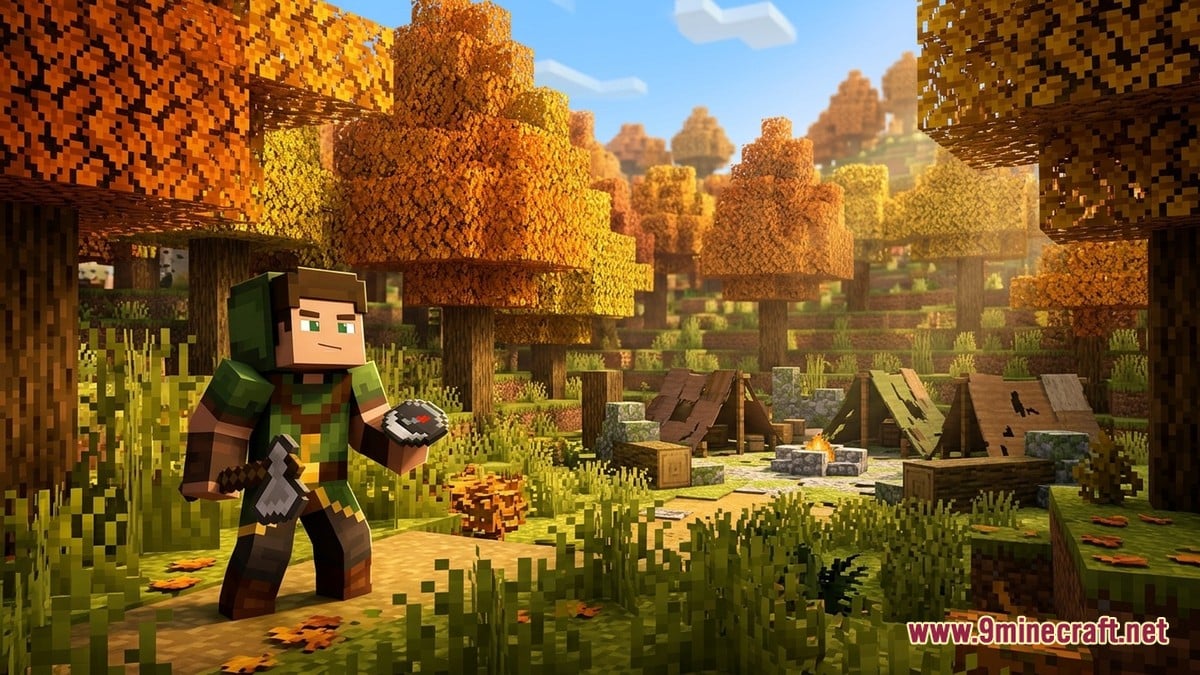
Minecraft Java Edition has reached Snapshot 10 of version 26.3, bringing visual polish and substantial technical depth to the test build. The most immediately noticeable change is the main menu's new background panorama, which now showcases the Dappled Forest biome complete with an Abandoned Camp, according to minecraft.net. The shift brings autumn atmosphere to the launcher each time players boot the game—a welcome visual refresh that sets the tone for the snapshot cycle.
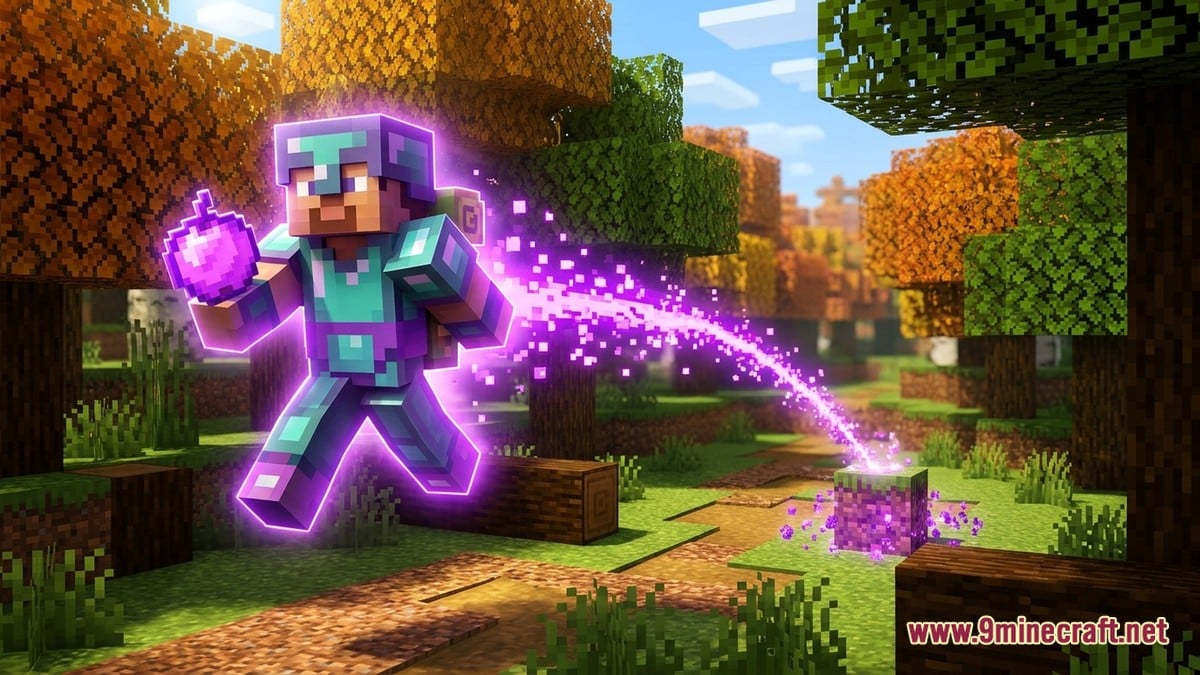
Beyond aesthetics, the snapshot refines several player-facing mechanics. Chorus Fruit teleportation now displays directional particle trails showing exactly where you will land, making the chaotic teleport experience more readable. TheDeinekoArtem highlighted this feature as one of the snapshot's standout improvements. The Realms introduction screen has also been redesigned to showcase key features, appearing automatically when players enter Realms if a trial is available. Meanwhile, the Adventure Mode icon in the Game Mode Switcher has changed to a Buried Treasure Map, and several Explorer Maps have been renamed for consistency—Ocean Monument Explore Map is now simply Ocean Monument Map, as documented by Xyrios.
The real substance of this snapshot lies in its technical additions, which will matter most to mapmakers and data pack creators. Minecraft.net and Xyrios both document the introduction of the /compute command, a new mathematical tool that evaluates number providers and returns results as either integers or floats. This command operates within different contexts—default, block position, or entity—allowing creators to perform calculations tied to specific game elements. A new compute source has also been added to /data modify, enabling inline mathematical operations within data manipulation commands.
Block transformation rules have been significantly expanded. The minecraft:block_transformer registry now allows creators to define how blocks convert into others through interaction, with granular control over particle effects, sounds, loot tables, and which block faces can trigger the transformation. The ore_vein system has been restructured to use Material Rules instead of a simple enabled field, giving world generators finer control over ore placement through density functions. Density functions themselves now support debug output, letting creators visualise how their generation logic behaves in real time.
Several smaller adjustments round out the technical changes. The none swing animation type has been restored for the /swing command and animation components. Enchantments now apply correctly to items protecting Undead mobs from sunlight. The preliminary_surface_level density function has been renamed to chunk_surface_level and no longer interpolates implicitly across entire chunks. New block tags have been added for Nether Portals, Conduits, and various creature-specific liquids, improving organisation for data pack developers.
What Players and Creators Are Saying
TheDeinekoArtem's coverage emphasises the snapshot's dual appeal: casual players appreciate the visual refresh and quality-of-life improvements like teleport trails, whilst mapmakers are excited about the mathematical and structural possibilities unlocked by /compute and the expanded block transformer system. Community sentiment appears largely positive around the menu redesign, with players enjoying the seasonal atmosphere the Dappled Forest brings. However, some viewers have noted that the technical changes, whilst powerful, carry a steep learning curve—the new command syntax and density function restructuring require careful study to implement correctly. The removal of inline block transformer components in favour of registry-based rules has also drawn mixed reactions, with some creators appreciating the standardisation and others finding the migration work tedious.
As with all snapshots, minecraft.net reminds players to back up their worlds before testing, since these builds can corrupt saves. The snapshot is available through the Minecraft Launcher by enabling snapshots in the Installations tab.